What Internet Speed Do You Really Need for Your Family?
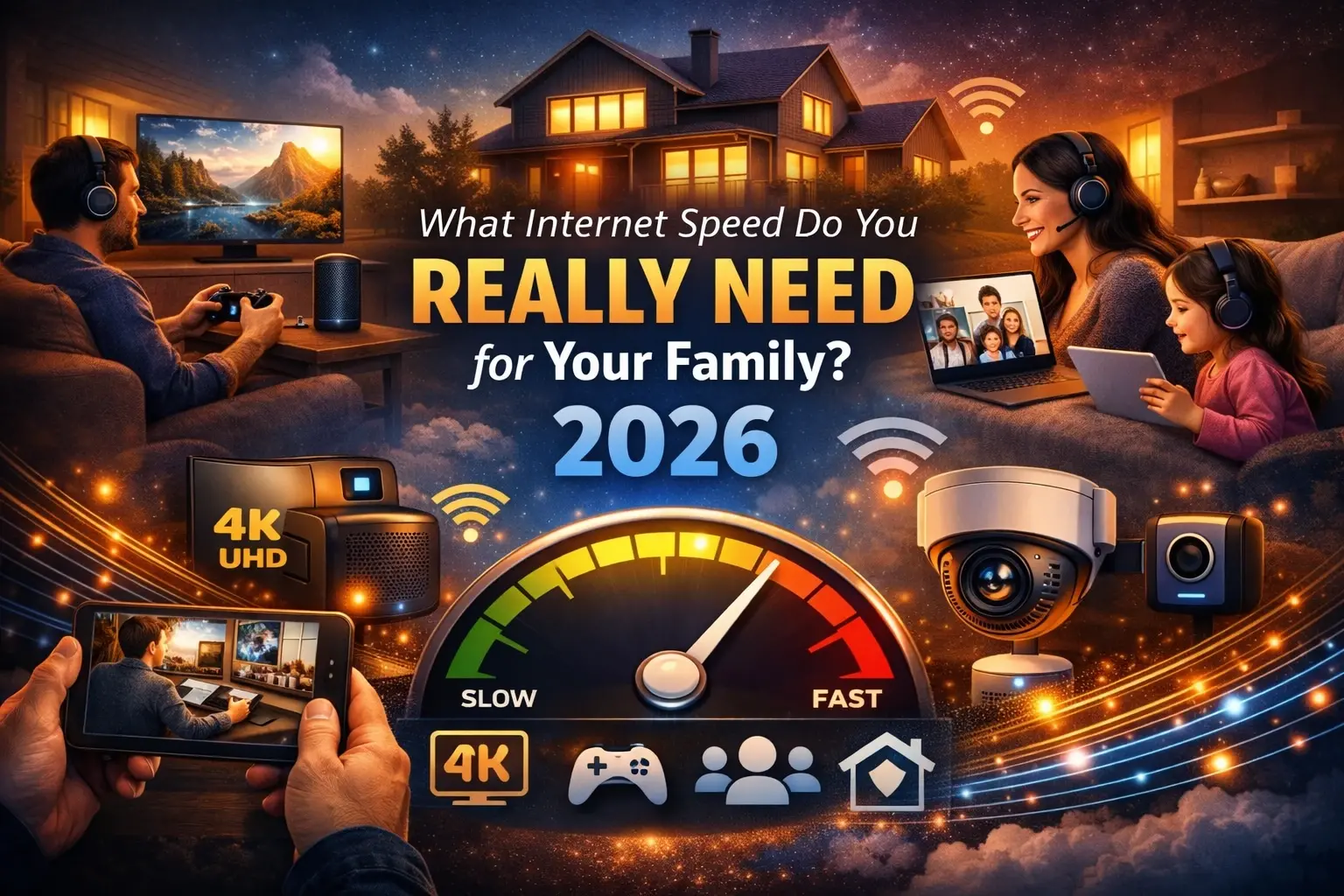
"How much internet speed do I need?" is one of the most common questions households ask when comparing plans — and one of the hardest to answer with a single number, because the honest answer depends on how many people are online, how many devices they're using, and what they're doing at the same time. A single number quoted in an advertisement rarely reflects what a specific household actually experiences during a Tuesday evening when two kids are streaming, one parent is on a video call, and a smart TV is quietly downloading an update in the background.
This guide breaks down family internet speed needs using published research from broadband industry analysts, connectivity platforms, and federal regulatory data to help households make an informed decision rather than simply buying the fastest (and most expensive) plan available. Families comparing providers and plans for their address can find additional research and availability tools at CablePapa.com.
Quick Answer
Most families of three to four people with typical mixed usage — streaming, browsing, video calls, gaming, and smart home devices — are comfortably served by 200–300 Mbps of download speed, with upload speed of at least 20 Mbps becoming increasingly important for remote work and video calls. Larger households, homes with multiple remote workers, or families running many connected devices (10 or more) generally benefit from 400 Mbps to 1 Gbps. Speed needs should be calculated based on simultaneous peak usage — everyone online at once — not average daily use.
Key Findings
A commonly cited industry rule of thumb is roughly 10–25 Mbps per person, adjusted upward for heavy streaming, gaming, or remote-work households.
A typical family of four with mixed simultaneous usage needs approximately 200–300 Mbps to comfortably run multiple 4K streams, a video call, and a gaming session without buffering or lag, according to multiple industry analyses.
The average U.S. household now has close to 20 internet-connected devices, based on research from Parks Associates and ConsumerAffairs, up sharply from a decade ago — even when only a handful are in active use at once.
Upload speed, not download speed, is increasingly the bottleneck for households with remote workers, frequent video calls, or cloud backups, since many cable and legacy connections offer far less upload bandwidth than download.
The FCC's official broadband benchmark (100 Mbps download / 20 Mbps upload) functions as a regulatory floor rather than a real-world target for multi-person households with simultaneous heavy usage.
Online gaming itself requires very little bandwidth — often under 5 Mbps per device — but is highly sensitive to latency, meaning a family's overall speed plan should be sized around combined household activity rather than gaming specifically.
Main Analysis: Calculating Your Family's Real Speed Needs
Start With Per-Person and Per-Device Math
A practical way to estimate household needs is to combine a per-person baseline with per-activity add-ons. Basic web browsing, email, and social media use relatively little bandwidth — commonly cited in the range of 1–3 Mbps per device. Standard-definition video pushes that to roughly 3–4 Mbps, HD video to 5–8 Mbps, and a single 4K stream can require 25 Mbps or more on its own. Video calls typically need somewhere between 3–10 Mbps depending on resolution, and that number applies to upload as well as download, which matters for households with remote workers or students in video classes.
The key multiplier families often miss is simultaneity. A single 4K stream at 25 Mbps is manageable on almost any modern plan. Three simultaneous 4K streams, a video call, and background smart-home traffic is a very different bandwidth picture — and that peak-hour combination, not the household's average usage across a full day, is what a family's internet plan needs to be sized around.
Speed Needs by Household Size
While every household's mix of activities differs, several independent industry analyses converge on similar general ranges:
1 person, moderate use: 25–100 Mbps is typically sufficient for browsing, HD streaming, and occasional video calls, assuming activities are largely sequential rather than simultaneous.
2 people, moderate use: 100–200 Mbps accommodates simultaneous streaming, video calls, and normal smart-device background traffic.
3–4 people, mixed use (streaming + gaming + calls): 200–300 Mbps is the range most frequently cited as the realistic target for a typical family managing several activities at once during peak hours.
Large households, remote workers, or heavy device counts (10+ connected devices): 400 Mbps to 1 Gbps provides meaningful headroom and reduces the odds of noticeable slowdowns during shared peak usage.
These are general planning ranges rather than fixed rules — a household that rarely uses simultaneous 4K streaming may comfortably run on less, while a household with several remote workers, streamers, or heavy smart-home device use may want more even at a smaller headcount.
Why Upload Speed Deserves More Attention
Historically, ISPs marketed almost exclusively around download speed, and most households' habits — streaming, browsing — were download-heavy. That's changed. Remote work video calls, cloud photo and file backups, content creation, and even some multiplayer gaming scenarios all depend on upload bandwidth. Many cable and legacy connection types offer download-to-upload ratios as lopsided as 10:1 or worse, meaning a household with a "fast" 500 Mbps download cable plan might still bottleneck on a modest 20–35 Mbps upload ceiling if two people are on simultaneous video calls while a cloud backup runs in the background. Fiber connections, which are frequently built with symmetrical (matching) upload and download speeds, largely eliminate this bottleneck — a meaningful consideration for any household weighing connection types rather than just headline download numbers.
The Smart Home Multiplier
Connected devices — smart speakers, thermostats, video doorbells, security cameras, streaming boxes, and game consoles — don't individually use much bandwidth, but they add up, and unlike a person actively streaming a show, they're often running continuously in the background without anyone thinking about it. A single cloud-connected security camera can use several megabits per second around the clock; multiply that across several cameras and a household's baseline "resting" bandwidth use can be higher than expected before anyone has even opened Netflix. Families with a substantial number of smart-home devices are generally better served planning toward the higher end of their household-size range.
Frequently Asked Questions
How much internet speed does a family of four need?
Most industry guidance places the comfortable range for a family of four with mixed simultaneous usage — streaming, gaming, and video calls — at roughly 200–300 Mbps. Households with more connected devices, multiple remote workers, or frequent 4K streaming may want to target the higher end of that range or beyond.
Is 100 Mbps enough for a family?
100 Mbps can work for a smaller household with lighter or more sequential usage, but it often becomes a bottleneck for a busier family running several simultaneous high-bandwidth activities. It also happens to match the FCC's current broadband benchmark, which reflects a general policy floor rather than a target calibrated to multi-device family peak usage.
Does the number of smart home devices affect the speed I need?
Yes. While individual smart devices use relatively little bandwidth, a household with many connected cameras, speakers, and appliances can accumulate meaningful background bandwidth use around the clock. Families with a large number of smart devices are generally better served planning toward a higher speed tier.
Why does upload speed matter for families?
Upload speed affects video calls, cloud backups, content uploads, and some multiplayer gaming features. Many cable and legacy connections offer much lower upload than download speeds, which can create a bottleneck for households with remote workers or frequent video calls even when download speeds look strong.
Do gamers in the house need a much faster plan?
Not necessarily in terms of raw speed — most online games use relatively little bandwidth. What matters most for gaming is low, consistent latency rather than a high download number. However, a household's overall plan still needs to be sized to support gaming alongside everyone else's simultaneous usage.
Should I just buy the fastest plan available?
Not necessarily. Beyond a certain point tied to a household's actual simultaneous peak usage, additional download speed provides little practical benefit for most everyday activities. It's generally more effective to size a plan around real usage patterns and ensure good upload speed and home network setup, rather than automatically choosing the highest available tier.
Conclusion
There's no single "right" internet speed for every family — the right answer depends on household size, device count, and how many high-bandwidth activities realistically happen at the same time. What the research consistently shows is that most families are best served thinking in terms of peak simultaneous usage rather than average daily use, giving upload speed the same attention as download speed, and accounting for the steadily growing number of background connected devices in a modern household. Families comparing available plans and connection types for their specific address can find further guidance and provider comparisons at CablePapa.com.
📚Read More Articles About Internet Providers

How to Get Cheap Internet in Texas That's Actually Reliable
September 7, 2026
How Do I Know If I Can Get Fiber Internet? A Step-by-Step Availability Guide
August 24, 2026
Verizon Fios vs. AT&T Fiber: Which Fiber Internet Is Better in 2026?
August 3, 2026