Navigating the process of returning Cox equipment can feel daunting, but this guide simplifies it. Discover the most convenient and efficient methods for returning your modem, router, cable box, or other Cox-leased devices, ensuring a smooth transition and avoiding potential charges.
Understanding Cox Equipment Returns
When your Cox service journey concludes, whether you're switching providers, relocating, or upgrading your equipment, the final step often involves returning leased devices. Cox Communications, like most internet and cable providers, requires customers to return their rented modems, routers, cable boxes, and other proprietary hardware to avoid incurring unreturned equipment fees. These fees can be substantial, often reflecting the full retail cost of the equipment, and can catch many customers by surprise if not handled properly. Understanding the correct procedure is paramount to a seamless offboarding experience. This comprehensive guide aims to demystify the process, offering clear, actionable steps and insights into where and how to return your Cox equipment effectively in 2025.
The primary goal of Cox's return policy is to reclaim their assets and ensure they are either refurbished for future use or properly disposed of. For customers, the objective is to fulfill this obligation without incurring unnecessary costs or facing administrative headaches. We will explore the various return channels available, the necessary preparations, and common pitfalls to avoid. By the end of this article, you will have a clear roadmap to confidently return your Cox equipment.
Preparation is Key: What to Do Before Returning
Before you even think about packing up your Cox equipment, thorough preparation is crucial. Skipping these steps can lead to delays, confusion, and potentially unexpected charges. Think of this as your pre-flight checklist for a successful equipment return.
- Identify All Leased Equipment: The first step is to compile a complete list of all equipment you have been leasing from Cox. This typically includes modems, routers (often combined with modems), cable boxes (DVRs, standard boxes), remotes, power cords, and Ethernet cables that came with the devices. Refer to your Cox account statements or your initial service installation paperwork if you're unsure.
- Gather All Associated Accessories: It’s not just the main device that needs returning. Cox expects all accompanying accessories to be returned as well. This means power adapters, remote controls, HDMI cables, coaxial cables, and any other specific cords or adapters that were provided with the equipment. Failing to return these can result in charges for each missing item.
- Back Up Your Data (If Applicable): While most Cox equipment doesn't store personal data in a way that would be lost upon disconnection (like a computer hard drive), if you have any custom settings or configurations on your router that you wish to preserve, now is the time to document or back them up. For cable boxes, any recorded content on DVRs will be lost upon disconnection and cannot be transferred.
- Note Your Account Information: Ensure you have your Cox account number readily available. This will be essential for processing the return correctly and ensuring it's linked to your account.
- Check Your Contract or Service Agreement: Review any terms and conditions related to equipment returns. While standard, understanding the timeframe within which you must return equipment after service termination is important to avoid late fees. Cox typically provides a grace period, but it's best to confirm.
- Power Down and Unplug Devices: Before packing, ensure all equipment is properly powered down and unplugged from the wall and any connected cables. This is a safety measure and ensures the equipment is ready for transport or packaging.
Taking these preparatory steps will significantly streamline the return process and help you avoid common issues. It demonstrates diligence and ensures you meet Cox's requirements.
Your Cox Equipment Return Options
Cox Communications offers several convenient methods for customers to return their leased equipment. The best option for you will depend on your location, proximity to Cox facilities, and personal preference. Understanding each option thoroughly will help you choose the most efficient path. As of 2025, these are the primary return channels:
Option 1: Cox Retail Stores and Authorized Drop-Off Locations
This is often the most straightforward and immediate way to return your equipment. Cox operates its own retail stores in many areas, and they also partner with authorized third-party locations, most notably The UPS Store, to accept returned equipment. When you drop off your equipment at one of these locations, you typically receive a receipt or confirmation of the return, which serves as proof of your compliance.
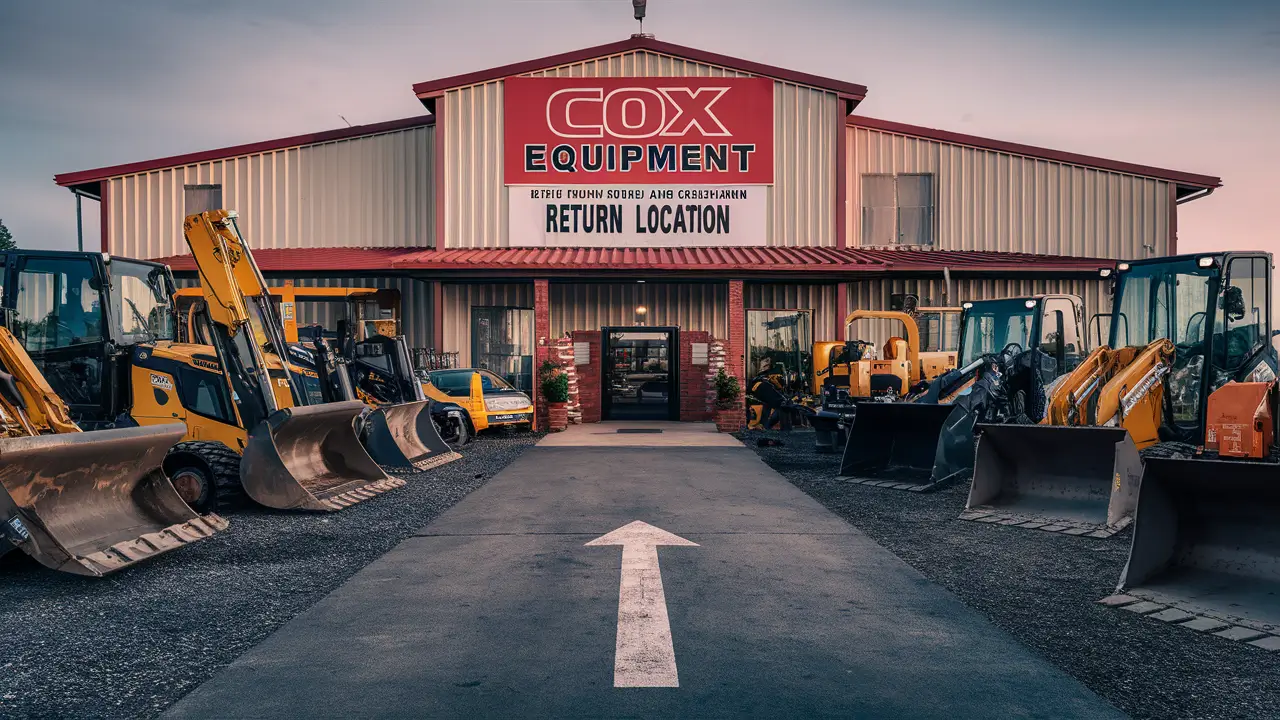
- Cox Retail Stores: These are Cox-branded locations where you can handle various customer service needs, including equipment returns. The advantage here is direct interaction with Cox representatives who can immediately process the return in their system.
- The UPS Store: Cox has a significant partnership with The UPS Store. You can take your Cox equipment to any participating UPS Store, and they will box it up and ship it back to Cox on your behalf. This is a widely accessible option, as UPS Stores are prevalent across the country.
Pros: Immediate confirmation of return, no need for personal packaging (especially at UPS Stores), direct interaction with staff if issues arise.
Cons: Requires travel to a physical location, store hours may be limited.
Option 2: UPS Shipping Label (Mail-In Return)
If visiting a physical location is inconvenient, Cox provides a mail-in return option. This typically involves requesting a pre-paid UPS shipping label from Cox. You will then be responsible for packaging the equipment securely and dropping it off at a UPS location or scheduling a pickup.
- How it Works: You can usually request this label through your online Cox account, by calling customer service, or sometimes through automated systems when you initiate service termination. Once received (often via email), you print the label.
- Packaging: You'll need to find a suitable box and pack the equipment and all accessories carefully. While UPS Stores can package for you (sometimes for a fee), if you're mailing it yourself, proper packaging is your responsibility.
- Drop-off: Once packed and labeled, you drop the package off at any UPS drop-off point.
Pros: Convenient if you can't get to a store, allows for returns from home.
Cons: Requires personal effort for packaging, potential for shipping delays, need to print label.
Option 3: In-Home Technician Pickup (Less Common)
In certain circumstances, particularly for business accounts or if there are specific logistical challenges, Cox might arrange for a technician to pick up the equipment directly from your home. This is generally not the standard procedure for residential customers and is usually reserved for situations where other methods are not feasible or when service is being disconnected by a technician.
- When it Might Occur: This is often coordinated during the service disconnection appointment itself, especially if the equipment is still connected and needs to be removed by a professional.
- Arrangement: If this is a possibility, it will be communicated to you by Cox customer service or the technician.
Pros: No effort required from the customer beyond handing over the equipment.
Cons: Not a widely available option for most residential customers, limited control over scheduling.
Comparison of Return Methods
To help you decide, here's a quick comparison:
| Feature | Cox Store/UPS Store Drop-Off | UPS Shipping Label (Mail-In) | In-Home Technician Pickup |
|---|---|---|---|
| Speed of Confirmation | Immediate | Delayed (upon receipt by Cox) | Immediate (if handled by technician) |
| Customer Effort | Minimal (travel & drop-off) | Moderate (packaging & drop-off) | Minimal (handover) |
| Cost to Customer | Free (no shipping cost) | Free (pre-paid label), potential packaging cost if UPS Store assists | Free |
| Accessibility | Depends on proximity to store | Widely accessible via UPS network | Limited availability |
| Proof of Return | Receipt from store | Tracking number from UPS | Confirmation from technician/Cox |
Detailed Step-by-Step Guides for Each Option
Now that you understand the options, let's walk through the precise steps for the most common return methods.
Guide: Returning Equipment at a Cox Store or UPS Store
This method is generally preferred for its speed and simplicity. Here's how to do it:
- Gather Your Equipment: Ensure you have all the leased Cox equipment and all its original accessories (power cords, remotes, etc.). Refer to the preparation section if you need a reminder.
- Locate a Drop-Off Point:
- For Cox Stores: Visit the Cox website or contact Cox customer service to find the nearest Cox retail store.
- For The UPS Store: Use the UPS Store locator to find a participating location near you. Not all UPS Stores accept Cox returns, so it's wise to call ahead or check the Cox website for confirmation.
- Prepare for Drop-Off:
- At a Cox Store: You can usually bring the equipment as-is, but it's good practice to have it unplugged and loosely bundled. Have your account number ready.
- At The UPS Store: The UPS Store is equipped to handle the packaging. You can bring your equipment, and they will box it up and ship it for you. They may ask for your Cox account number or a return authorization number if you received one. There might be a small fee for their packaging service, though often it's included when returning for a major provider like Cox.
- Drop Off the Equipment: Hand over the equipment to the store associate.
- Get Your Receipt: This is the most critical step. Ensure you receive a dated receipt or confirmation that clearly states the equipment was returned. This receipt is your proof of return and should include the date, the location, and ideally a list of the items returned. Keep this receipt in a safe place!
- Confirmation with Cox: In most cases, Cox will update your account status within a few business days to reflect the returned equipment. You can check your online account or call Cox customer service to confirm that the equipment has been removed from your account and no further charges are being applied.
Guide: Using the UPS Shipping Label
This method offers flexibility if you prefer to handle the return from your home.
- Request a Shipping Label:
- Log in to your Cox online account. Navigate to the equipment return section or service termination area.
- Alternatively, call Cox customer service and request a pre-paid UPS shipping label for equipment return.
- You may receive a return authorization (RA) number along with the label.
- Receive and Print the Label: The label will typically be emailed to you as a PDF. Print it clearly on standard letter-sized paper.
- Package Your Equipment:
- Find a sturdy cardboard box. You can reuse a box you have or purchase one from a shipping supply store or even a grocery store.
- Wrap each piece of equipment and its accessories in protective material like bubble wrap or packing paper to prevent damage during transit.
- Place all items inside the box. Ensure they are snug and won't shift around.
- Seal the box securely with packing tape.
- Affix the Shipping Label: Tape the printed UPS shipping label firmly to the largest surface of the box. Ensure the barcode is clear and unobstructed. If you received an RA number, make sure it's clearly visible on the package as well, often written directly on the box or on a separate label.
- Drop Off the Package: Take the sealed and labeled box to any UPS Store or authorized UPS drop-off location. You can also check if UPS offers pickup services in your area, though this might incur an additional fee.
- Obtain a Tracking Number: When you drop off the package, ask for a receipt that includes the tracking number. This is your proof that you have shipped the equipment.
- Track Your Shipment: Use the tracking number on the UPS website to monitor the progress of your return.
- Confirm with Cox: Once the tracking shows the equipment has been delivered to Cox, check your online account or contact Cox customer service to confirm that the equipment has been removed from your account and that you will not be charged any further unreturned equipment fees. This confirmation process can take several business days after delivery.
What Equipment Needs to Be Returned?
It's crucial to understand precisely which items Cox expects back to avoid fees. Generally, any equipment that Cox provided to you as part of your service subscription and that you pay a monthly lease fee for must be returned. This typically includes:
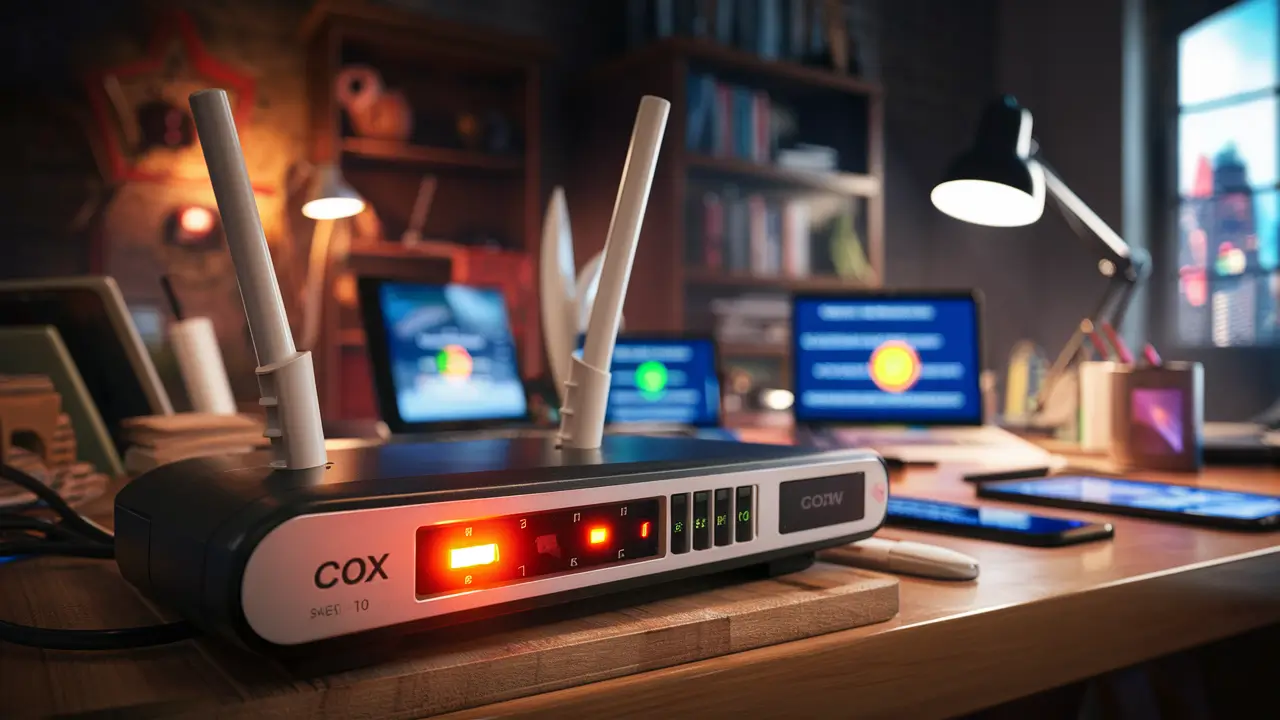
- Modems: The device that connects your home to the internet.
- Routers: The device that creates your Wi-Fi network. Often, this is integrated into the modem (a modem/router combo unit).
- Cable Boxes: Including standard digital TV boxes, DVRs (Digital Video Recorders), and any satellite receivers if applicable.
- Remote Controls: For all provided cable boxes.
- Power Cords and Adapters: For all leased Cox equipment.
- Ethernet Cables: If provided by Cox specifically for their equipment setup.
- Coaxial Cables: If provided by Cox and integral to their equipment setup.
- Any other proprietary Cox hardware that you do not own.
What generally does NOT need to be returned:
- Your own personal equipment: Such as your own purchased modem or router, personal computers, televisions, or gaming consoles.
- Standard cables you purchased separately (e.g., your own HDMI cables).
- Equipment that was damaged beyond normal wear and tear due to misuse or accident (though you may be charged for this).
If you are ever in doubt, it is always best to err on the side of caution and either return the item or confirm with Cox customer service directly. You can find detailed information on the Cox website.
Common Issues and Troubleshooting for Cox Returns
Even with clear instructions, challenges can arise during the equipment return process. Being aware of these common issues can help you navigate them more effectively.
Lost or Damaged Equipment
The Problem: Equipment is lost in transit, or it sustained damage (beyond normal wear and tear) while in your possession. This can lead to significant unreturned equipment fees.
Troubleshooting:
- If Lost in Transit (using UPS): Immediately contact UPS with your tracking number to initiate a lost package investigation. Also, notify Cox customer service about the issue and provide them with the UPS tracking number and any investigation details. Keep your shipping receipt.
- If Damaged: If the damage was due to accidental misuse or negligence, Cox will likely charge you the full replacement cost. If you believe the damage was pre-existing or occurred due to a fault with the equipment itself, gather any evidence you have (photos, repair attempts) and discuss it with Cox customer service. Be prepared for the possibility of being charged.
- Prevention: Always use the most secure return method available, package items carefully, and obtain a receipt with a tracking number.
Unclear Return Instructions
The Problem: You received conflicting information from Cox, or the instructions provided were vague, leaving you unsure of the next steps.
Troubleshooting:
- Seek Clarification: Do not proceed if you are unsure. Call Cox customer service directly. Ask specific questions about the return location, packaging requirements, and what documentation you need.
- Refer to Official Channels: Rely on information from the official Cox website, your online account portal, or direct communication with a Cox representative. Avoid relying solely on informal advice.
- Document Everything: Keep notes of your conversations with Cox representatives, including dates, times, and the names of the people you spoke with.
Billing Disputes After Return
The Problem: You returned your equipment, but you are still being charged unreturned equipment fees on your bill.
Troubleshooting:
- Gather Your Proof: This is where your return receipt (from a store) or UPS tracking information and delivery confirmation are vital.
- Contact Cox Billing Department: Call Cox customer service and explain the situation. Provide them with your account number and all details of your return, including the date, location, and your proof of return.
- Escalate if Necessary: If the initial representative cannot resolve the issue, politely request to speak with a supervisor or manager.
- Be Persistent: Billing disputes can sometimes take time to resolve. Follow up regularly if you don't see a correction on your next statement.
According to recent customer service reports from 2025, Cox is generally responsive to billing disputes when customers provide clear evidence of return. The key is having that documentation.
Tips for a Smooth Cox Equipment Return
To ensure your Cox equipment return goes off without a hitch, consider these practical tips:
- Initiate the Return Process Promptly: As soon as you know you'll be terminating service or no longer need the equipment, start the return process. Don't wait until the last minute.
- Confirm Return Eligibility: Double-check if the equipment you're returning is indeed leased from Cox and not something you purchased outright.
- Read the Return Instructions Carefully: Whether provided online, via email, or by phone, pay close attention to the specific instructions Cox gives you.
- Take Photos: Before packing, take photos of the equipment and all accessories you are returning. This can be helpful evidence if any disputes arise later.
- Use Authorized Return Locations: Stick to the return methods officially sanctioned by Cox (Cox stores, UPS Stores, or their provided mail-in labels).
- Keep All Documentation: Save receipts, tracking numbers, emails, and any other correspondence related to your return.
- Check Your Final Bill: After you believe the return is complete, carefully review your final Cox bill to ensure all equipment charges have been removed.
- Consider a Combined Return: If you are moving and establishing new service with Cox at a different address, inquire if they can facilitate a seamless equipment transfer or return process tied to your move.
- Network with Neighbors: If you know someone else who recently returned Cox equipment, ask them about their experience and any tips they might have.
Why Returning Promptly Matters
The urgency to return Cox equipment after service termination is not just a bureaucratic formality; it has direct financial and practical implications for you as a customer.
- Avoid Unreturned Equipment Fees: This is the most significant reason. Cox imposes substantial fees for equipment that is not returned within a specified timeframe after service cancellation. These fees can range from $50 to over $200 per device, quickly escalating your final bill. For example, a typical high-end modem or DVR can cost upwards of $150-$250 to replace if not returned.
- Prevent Service Interruption Issues: If you are switching providers, ensuring your old equipment is returned promptly can prevent potential conflicts or delays in activating your new service, especially if there's any overlap or confusion in service areas.
- Maintain a Good Relationship with Cox: Fulfilling your contractual obligations, including equipment return, leaves a positive impression. This can be beneficial if you ever decide to return to Cox services in the future.
- Environmental Responsibility: Promptly returning equipment allows Cox to properly refurbish, reuse, or recycle the devices, contributing to a more sustainable practice.
- Peace of Mind: Knowing that you have completed all necessary steps for service termination provides a sense of closure and prevents lingering worries about potential charges or unresolved account issues.
In 2025, with the increasing complexity of service packages, it's more important than ever to adhere to the return policy. Many customers underestimate the value of the leased equipment and the strictness of the provider's policies.
Conclusion: Your Guide to Hassle-Free Cox Equipment Returns
Successfully returning your Cox equipment is an achievable task when approached with preparation and knowledge. By understanding the available return options – whether it's a convenient drop-off at a Cox retail store or The UPS Store, or utilizing the provided UPS shipping label for a mail-in return – you can choose the method that best suits your circumstances. Always remember to gather all associated accessories, keep your account information handy, and crucially, obtain and safeguard your proof of return, such as a store receipt or a UPS tracking number. Navigating potential issues like lost or damaged equipment, unclear instructions, or billing disputes becomes significantly easier when you have this documentation. Returning your leased devices promptly not only helps you avoid costly unreturned equipment fees, which can be substantial in 2025, but also ensures a clean break from your service and contributes to responsible equipment management. Follow these steps, stay organized, and you’ll complete your Cox equipment return with confidence and ease.