Navigating the complex landscape of small business internet service providers in 2025 requires a strategic approach. This guide equips you with the essential knowledge to select a provider that ensures seamless operations, robust security, and cost-effectiveness for your growing enterprise.
Understanding Your Business Internet Needs
Before diving into the vast ocean of internet service providers (ISPs), the most critical first step is to thoroughly understand your business's unique requirements. This isn't a one-size-fits-all scenario; what works for a solo freelance graphic designer will be vastly different from what a burgeoning e-commerce startup or a busy retail store needs. In 2025, with the increasing reliance on cloud-based applications, remote work capabilities, and digital customer interactions, your internet connection is no longer just a utility – it's the backbone of your operations. Failing to accurately assess your needs can lead to costly overspending on unnecessary bandwidth or, worse, crippling underperformance that hinders productivity and alienates customers.
Assessing Bandwidth Requirements
Bandwidth, often measured in Mbps (megabits per second), dictates how much data can be transferred over your internet connection at any given time. For small businesses, this translates directly to how smoothly your applications run and how many users can be online simultaneously without experiencing slowdowns. Consider the following:
- Number of Users: How many employees will be using the internet concurrently? Each user consumes bandwidth for basic tasks like email and web browsing, but this number escalates significantly with video conferencing, large file transfers, and cloud application usage.
- Types of Applications: Are you primarily using email and basic web browsing? Or are you heavily reliant on cloud-based CRM systems, video conferencing platforms (like Zoom, Microsoft Teams), project management tools, VoIP phone systems, or large file uploads/downloads for creative work or data backups? Each of these has different bandwidth demands. For instance, a single high-definition video conference can consume 3-5 Mbps per participant.
- Device Usage: Beyond computers, consider smartphones, tablets, smart office devices (thermostats, security cameras), and any IoT devices your business might employ. These all contribute to the overall bandwidth load.
- Peak Usage Times: When are your busiest periods? If your business experiences significant spikes in online activity during specific hours or days, you need to ensure your connection can handle that peak demand without faltering.
2025 Stat Insight: According to recent industry reports, the average small business's internet traffic has increased by approximately 25% year-over-year, driven by hybrid work models and the proliferation of data-intensive cloud services. A baseline of 100-200 Mbps download and 20-50 Mbps upload is becoming the minimum for businesses with 5-10 employees engaged in standard office tasks.
Defining Uptime and Reliability Needs
For most businesses, internet downtime is not just an inconvenience; it's a direct hit to revenue and reputation. Consider the financial impact of even a few hours of lost connectivity. For businesses with online sales, appointment bookings, or critical client communication, near-constant uptime is paramount. Think about your business's tolerance for disruption. Are you a business that can absorb occasional brief outages, or is every minute of downtime a significant loss?
- Critical Operations: Identify which business functions are absolutely dependent on internet connectivity.
- Customer Impact: How would an outage affect your customer service, sales, and overall customer experience?
- Financial Loss: Estimate the potential revenue loss per hour or day of internet downtime.
Considering Security Requirements
While ISPs provide the connection, they also play a role in your overall network security. Some providers offer enhanced security features, such as built-in firewalls, malware protection, or DDoS mitigation. Depending on your industry and the sensitivity of the data you handle (e.g., financial, health, personal customer information), robust security measures are non-negotiable. In 2025, with cyber threats becoming increasingly sophisticated, understanding the security protocols and offerings of an ISP is as important as the speed they provide.
Types of Internet Connections for Small Businesses
The type of internet connection you choose will significantly impact your speed, reliability, and cost. In 2025, several technologies are available, each with its own set of advantages and disadvantages for small businesses.
DSL (Digital Subscriber Line)
DSL internet uses existing telephone lines to transmit data. It's generally more affordable and widely available, especially in areas where other technologies might be scarce. However, DSL speeds are typically lower than other options and can degrade significantly with distance from the provider's central office.
- Pros: Widely available, cost-effective for basic needs.
- Cons: Slower speeds, performance degrades with distance, upload speeds are often much lower than download speeds.
- Best for: Very small businesses with minimal internet needs, low budgets, and limited reliance on high-speed connectivity.
Cable Internet
Cable internet uses the same coaxial cables that deliver cable television. It offers much higher speeds than DSL and is widely available in urban and suburban areas. However, cable connections are shared among users in a neighborhood, meaning speeds can fluctuate during peak usage times when many people are online.
- Pros: High download speeds, relatively affordable, good for general business use.
- Cons: Shared bandwidth can lead to slowdowns, upload speeds are often asymmetrical (lower than download).
- Best for: Small businesses that need good download speeds for web browsing, email, and moderate cloud application use, but aren't heavily reliant on consistent high upload speeds.
Fiber Optic Internet
Fiber optic internet uses strands of glass to transmit data as pulses of light. This technology offers the fastest speeds, lowest latency, and highest reliability currently available. It's symmetrical, meaning upload and download speeds are the same, which is crucial for cloud-based operations, video conferencing, and large file transfers. However, fiber is not yet universally available and can be more expensive.
- Pros: Extremely high speeds (both download and upload), highest reliability, low latency, future-proof.
- Cons: Limited availability, can be more expensive than other options.
- Best for: Businesses that are heavily reliant on cloud services, conduct frequent video conferences, transfer large files, or require the utmost in speed and reliability. Essential for businesses prioritizing growth and scalability.
Fixed Wireless Internet
Fixed wireless internet uses radio waves to connect a business to a provider's network. It's often used in rural or underserved areas where wired connections are not feasible. It can offer competitive speeds, but performance can be affected by weather conditions and physical obstructions.
- Pros: Good for rural areas, can be faster than DSL.
- Cons: Performance can be affected by weather and obstructions, not as reliable as wired options.
- Best for: Businesses in locations where wired options are limited and fiber or cable are unavailable.
Satellite Internet
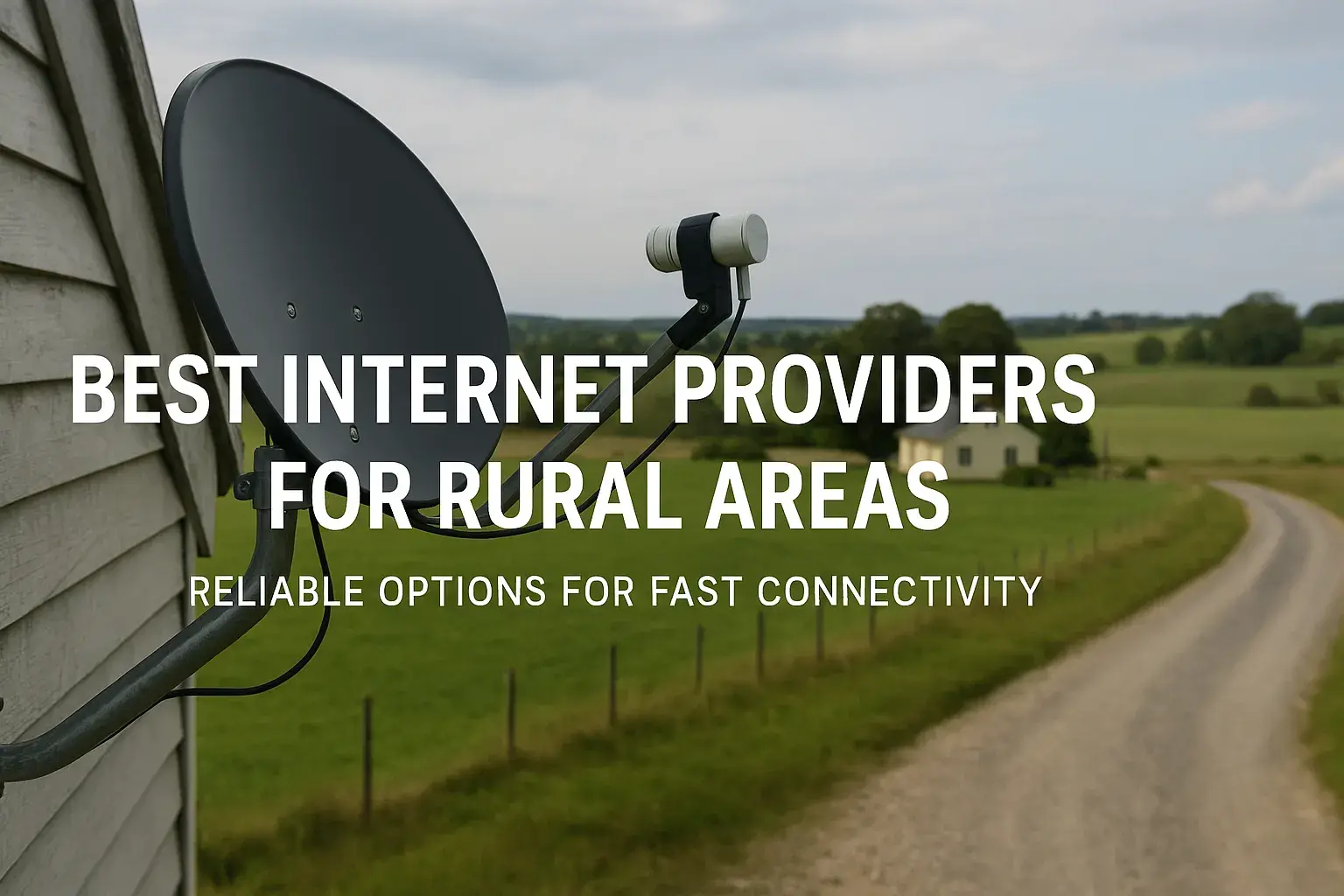
Satellite internet is another option for remote locations, using a satellite dish to transmit data. While it offers broad coverage, it typically has the highest latency, slowest speeds, and is most susceptible to weather interference. It's generally not recommended for businesses with real-time connectivity needs.
- Pros: Available almost anywhere.
- Cons: High latency, slow speeds, weather-dependent, often has data caps.
- Best for: Businesses in extremely remote locations with no other options, for non-critical backup connectivity.
Key Factors to Consider When Choosing an ISP
Beyond the type of connection, several other crucial factors will influence your decision. In 2025, these are more important than ever as the digital landscape evolves.
Availability and Coverage
This is the most fundamental factor. Not all ISPs offer all types of connections in every geographic location. You must first determine which providers and technologies are actually available at your business address. Many ISP websites have tools to check availability by entering your ZIP code.
Speed and Performance
As discussed earlier, speed is critical. Look beyond advertised "up to" speeds. Understand the difference between download and upload speeds. For businesses, symmetrical speeds (where upload equals download) offered by fiber are highly desirable. Consider your current needs and anticipate future growth. A common mistake is to underestimate future bandwidth requirements.
- Download Speed: Crucial for receiving data, such as loading websites, streaming video, and downloading files.
- Upload Speed: Essential for sending data, such as sending emails with large attachments, uploading files to cloud storage, video conferencing, and hosting web servers.
Reliability and Uptime Guarantees
A provider's track record for uptime is vital. Look for ISPs that offer Service Level Agreements (SLAs) that guarantee a certain percentage of uptime (e.g., 99.9%). Understand what constitutes an "outage" and what recourse you have if the guaranteed uptime is not met. Some providers offer backup solutions or failover options.
Cost and Value
Internet service is a recurring expense, so understanding the total cost of ownership is essential. This includes not just the monthly fee but also installation costs, equipment rental fees, potential early termination fees, and any hidden charges. Compare not just the price but the value offered in terms of speed, reliability, and included features.
Customer Service and Technical Support
When things go wrong, prompt and effective customer support is invaluable. Research the ISP's reputation for customer service. Are their support lines easily accessible? Do they offer 24/7 support? What are their typical response times for technical issues? Poor customer service can exacerbate the impact of any internet disruption.
Contract Terms and Conditions
Most business internet plans come with contracts, often ranging from 1 to 3 years. Carefully review the contract terms, including:
- Contract Length: Longer contracts may offer lower monthly rates but reduce flexibility.
- Early Termination Fees (ETFs): Understand the penalties for breaking the contract early.
- Price Increases: Some contracts may include clauses for price increases after a promotional period.
- Data Caps: While less common for business plans, some may still have data limits.
Bundling Options
Some ISPs offer bundled services, such as internet, phone, and TV. While bundling can sometimes lead to discounts, ensure that the bundled services meet your business needs and that you aren't paying for services you don't require.
Comparing Providers and Plans in 2025
With a clearer understanding of your needs and the factors to consider, the next step is to actively compare providers and their specific plans. This requires diligent research and a structured approach.
Identifying Top Providers in Your Area
Start by identifying the major ISPs operating in your geographic location. These typically include national carriers (e.g., Verizon, AT&T, Spectrum, Xfinity) and regional providers. Use online comparison tools and your ISP's availability checkers to get a comprehensive list.
Analyzing Plan Features
Once you have a list of available providers, dive into the specifics of their business internet plans. Pay close attention to:
- Advertised Speeds: Note both download and upload speeds.
- Data Allowances: Confirm if there are any data caps.
- Equipment: Is a modem/router included? Is there a rental fee?
- Installation Fees: Understand the upfront costs.
- Promotional Offers: Are there introductory discounts? For how long?
- Contract Length: What is the commitment period?
Creating a Comparison Table
A comparison table is an invaluable tool for organizing this information and making informed decisions. Below is a sample structure you can adapt:
| Feature | Provider A (e.g., Fiber) | Provider B (e.g., Cable) | Provider C (e.g., DSL) |
|---|---|---|---|
| Connection Type | Fiber Optic | Cable | DSL |
| Advertised Download Speed | 1 Gbps | 500 Mbps | 100 Mbps |
| Advertised Upload Speed | 1 Gbps | 20 Mbps | 10 Mbps |
| Monthly Cost (after promo) | $120 | $80 | $50 |
| Contract Length | 1 Year | 2 Years | 1 Year |
| Installation Fee | $100 (waived with 2-yr contract) | $75 | $50 |
| Data Cap | None | 1 TB | None |
| Estimated Uptime | 99.99% | 99.9% | 99.5% |
Leveraging Online Reviews and Third-Party Data
Don't rely solely on marketing materials. Seek out independent reviews from other small businesses in your area. Websites that specialize in ISP reviews, consumer reports, and local business forums can offer invaluable insights into real-world performance, customer service experiences, and hidden fees.
Negotiating Terms
For business internet services, there is often room for negotiation, especially if you are a new customer or have multiple services with a provider. Don't be afraid to ask about discounts, promotional offers, or contract flexibility. Sometimes, simply mentioning a competitor's offer can prompt a better deal.
Evaluating Performance and Reliability
Speed and uptime are not just theoretical metrics; they have tangible impacts on your business operations. In 2025, with increasing reliance on real-time collaboration and cloud applications, consistent performance is paramount.
Understanding Latency (Ping)
Latency, often measured as "ping," refers to the time it takes for a data packet to travel from your computer to a server and back. Low latency is crucial for applications that require real-time interaction, such as VoIP calls, online gaming (if applicable to your business), and video conferencing. High latency can result in choppy audio, delayed video, and laggy application performance.
- Low Latency (under 20ms): Ideal for real-time applications.
- Medium Latency (20-50ms): Acceptable for most business tasks.
- High Latency (over 50ms): Can cause noticeable delays and impact performance.
Fiber optic connections typically offer the lowest latency, followed by cable, then DSL. Fixed wireless and satellite can have significantly higher latency.
Assessing Uptime Guarantees and SLAs
A Service Level Agreement (SLA) is a formal commitment between an ISP and its customer that defines the level of service expected. For business plans, an SLA is critical. It should clearly outline:
- Guaranteed Uptime Percentage: Aim for 99.9% or higher.
- Response Time for Outages: How quickly will the ISP acknowledge and begin to resolve an issue?
- Remedies for Downtime: What compensation or credits will you receive if the SLA is breached?
It's important to understand that "uptime" often refers to the availability of the network infrastructure, not necessarily your specific connection. Always clarify what the SLA covers.
Considering Redundancy and Backup Options
For businesses where downtime is catastrophic, investing in redundancy is a wise strategy. This could involve:
- Secondary Internet Connection: Having a backup connection from a different provider or using a different technology (e.g., a fixed wireless backup for a fiber primary).
- Failover Systems: Routers that can automatically switch to the backup connection if the primary connection fails.
- Mobile Hotspots: Using cellular data as a last resort for critical, low-bandwidth tasks.
While this adds cost, it can prevent significant financial losses and reputational damage.
Real-World Performance Testing
Once you've narrowed down your choices, try to find anecdotal evidence of performance in your specific area. Ask other local businesses about their experiences. If possible, test a connection at a similar business location before committing. Speed test websites (like Speedtest.net or Fast.com) can provide real-time performance data, but remember that these are snapshots and can vary.
Understanding Pricing and Contracts
The financial aspect of choosing an ISP can be complex. Beyond the monthly sticker price, numerous factors can affect the total cost and your commitment.
Decoding Monthly Bills
Small business internet bills can sometimes be more complex than residential ones. Look out for:
- Base Service Fee: The advertised monthly price.
- Equipment Rental Fees: Charges for modems, routers, or other hardware.
- Taxes and Surcharges: These can add a significant percentage to your bill.
- Service Fees: Charges for installation, activation, or technician visits.
- Data Overage Fees: If you exceed data caps.
Always ask for a full breakdown of all potential charges before signing up.
Promotional vs. Standard Pricing
Many ISPs offer attractive introductory pricing for new customers. It's crucial to understand how long these promotions last and what the standard price will be after the promotional period ends. Some contracts lock you into a higher standard rate that can be difficult to escape.
Contract Lengths and Flexibility
Business internet contracts typically range from 1 to 3 years. Longer contracts often come with lower monthly rates but offer less flexibility. Consider your business's growth trajectory and potential relocation plans. If you anticipate moving or significantly changing your needs within the contract period, a shorter term or a month-to-month option (if available) might be preferable, even if it costs slightly more.
Early Termination Fees (ETFs)
These fees are designed to recoup the ISP's costs if you break a contract early. ETFs can be substantial, sometimes amounting to hundreds or even thousands of dollars. Ensure you fully understand the ETF policy before signing. If possible, negotiate a more favorable ETF clause.
Hidden Fees and Upsells
Be vigilant for hidden fees. These might include activation fees, installation fees, equipment upgrade fees, or even fees for exceeding certain usage thresholds that weren't clearly communicated. ISPs may also try to upsell you on additional services you don't need.
Value for Money: Speed vs. Cost
The cheapest option is rarely the best. Focus on the value proposition: what are you getting for your money? A slightly more expensive plan with significantly higher speeds, better reliability, and superior customer support might offer much better overall value for your business. Consider the cost of downtime versus the cost of a more robust internet connection.
Customer Support and Service Level Agreements (SLAs)
When your internet connection falters, the quality of customer support and the robustness of your SLA can make the difference between a minor hiccup and a major crisis.
Assessing Support Channels and Availability
How can you reach customer support? Are they available 24/7? Do they offer phone, email, or chat support? For businesses, 24/7 availability is often essential, especially if you operate outside standard business hours or rely on round-the-clock services. Long wait times or limited support hours can be detrimental.
Understanding Technical Support Expertise
Not all support staff are created equal. For business-grade services, you want technical support that understands business networking needs. Can they troubleshoot complex issues beyond basic connectivity problems? Do they have dedicated business support teams?
Reviewing Customer Satisfaction Ratings
Research independent reviews and consumer reports focusing specifically on the ISP's customer service and technical support. Look for recurring complaints about unresponsiveness, unhelpful agents, or difficulty resolving issues. Positive feedback on these aspects is a strong indicator of a reliable partner.
The Importance of a Business-Specific SLA
As mentioned earlier, a business SLA is a contract that guarantees a certain level of service. Key components to scrutinize:
- Uptime Guarantees: Typically 99.9% or higher.
- Response Times: How quickly will the ISP acknowledge and begin working on a reported issue?
- Resolution Times: While harder to guarantee, some SLAs may specify target resolution times.
- Service Credits: What financial compensation will you receive if the ISP fails to meet its SLA commitments?
Ensure the SLA is clearly written and that you understand all its terms and conditions. Don't assume standard residential SLAs apply to business plans.
Proactive Monitoring and Maintenance
Some advanced business internet solutions include proactive network monitoring by the ISP. This means they can often detect and resolve potential issues before they impact your business. While this is typically a feature of higher-tier business plans, it's worth inquiring about.
Future-Proofing Your Business Internet
The digital needs of your business are not static. As technology advances and your business grows, your internet infrastructure needs to keep pace. Choosing an ISP with an eye towards the future is a strategic investment.
Scalability of Services
Can your chosen ISP easily scale your service up as your business grows? If you anticipate needing more bandwidth or faster speeds in the next 1-3 years, ensure your provider can accommodate this without requiring a complete overhaul of your service or a lengthy installation process. Fiber optic connections are inherently more scalable than older technologies.
Emerging Technologies
Consider how emerging technologies might impact your business. Will you need to support more IoT devices? Will virtual or augmented reality play a role in your operations or customer interactions? These applications often demand higher bandwidth and lower latency. Providers investing in advanced infrastructure, like fiber, are better positioned to support future technological demands.
Network Security Evolution
Cyber threats are constantly evolving. Choose an ISP that demonstrates a commitment to network security and offers features that can adapt to new threats. This might include advanced firewall options, DDoS protection, and regular security updates to their infrastructure.
The Case for Fiber Optic in 2025 and Beyond
As of 2025, fiber optic internet is increasingly becoming the standard for businesses that require high performance and future readiness. Its symmetrical speeds, low latency, and inherent scalability make it an ideal choice for businesses that are heavily reliant on cloud computing, real-time collaboration, and data-intensive applications. While the initial cost might be higher, the long-term benefits in terms of performance, reliability, and future-proofing often outweigh the investment.
Considering Long-Term Value Over Short-Term Cost
It's tempting to opt for the cheapest available plan, but this can be a false economy. Investing in a robust internet connection from a reputable provider can lead to increased productivity, improved customer satisfaction, and greater operational efficiency. Think of your internet service as a critical business asset, not just a utility bill.
Making the Final Decision
After thorough research, comparison, and consideration, you're ready to make the final decision. This involves a structured approach to ensure you're selecting the best fit for your business.
Reviewing Your Top Choices
Revisit your comparison table and notes. You should have narrowed down your options to 2-3 strong contenders. Evaluate them against your primary needs: bandwidth, reliability, customer support, and budget.
Conducting Final Due Diligence
Before signing any contract:
- Read the Fine Print: Ensure you understand every clause in the contract, especially regarding pricing, term length, ETFs, and service guarantees.
- Confirm Availability: Double-check that the service is indeed available at your exact business address and that the speeds quoted are achievable.
- Ask for References: If possible, ask the ISP for references from businesses similar to yours in your area.
Negotiating the Best Deal
As mentioned earlier, don't hesitate to negotiate. Leverage competitor offers, highlight your business's potential long-term value as a customer, and ask for any available discounts or bundled offers.
Planning for Installation and Transition
Once you've chosen an ISP, plan the installation process carefully. Coordinate with the provider to minimize disruption to your business operations. If you're switching providers, ensure a smooth transition to avoid extended downtime. This might involve setting up your new equipment in advance or scheduling the switch during off-peak hours.
Post-Installation Verification
After installation, perform speed tests and test key applications to ensure you're receiving the performance you were promised. Monitor your connection closely in the first few weeks to identify any potential issues early on.
Conclusion
Choosing the right small business internet service provider in 2025 is a strategic decision that impacts every facet of your operations. By meticulously assessing your bandwidth needs, understanding the available technologies, and diligently comparing providers based on speed, reliability, cost, and customer support, you can secure a connection that empowers your business. Prioritize fiber optic for its unparalleled performance and future-proofing capabilities, and always scrutinize contract terms and SLAs. Investing time in this process will pay dividends in enhanced productivity, seamless communication, and sustained business growth in the increasingly digital landscape of tomorrow.
null