Ready to upgrade your home internet? This guide will walk you through exactly how to get Spectrum Internet, from checking availability to choosing the right plan and installation. We'll cover everything you need to know to make an informed decision and get connected quickly.
Checking Spectrum Internet Availability in Your Area
The very first and most crucial step in getting Spectrum Internet is to determine if their service is even available at your specific address. Spectrum's network coverage is extensive, particularly in urban and suburban areas across the United States, but it's not universal. Fortunately, Spectrum makes this process straightforward. You can typically check availability through their official website or by contacting their sales department directly.
Online Availability Check
The quickest and most common method is to visit the Spectrum website. Look for a prominent "Check Availability" or "See Plans" button, usually found on the homepage or within the internet section. You will be prompted to enter your full street address, including city, state, and zip code. Within moments, the system will process your information and inform you whether Spectrum services are available at your location. If service is available, you'll likely be presented with a list of available internet plans tailored to your area.
What if Spectrum Isn't Available?
If your initial check reveals that Spectrum Internet is not currently available at your address, don't be discouraged immediately. Network expansion is an ongoing process. You might want to periodically re-check the availability, especially if you've recently moved or if there have been infrastructure developments in your neighborhood. In some cases, community advocacy or new construction projects can lead to service expansion. If Spectrum remains unavailable, you'll need to explore other internet service providers in your area. You can research alternatives by using online comparison tools that allow you to input your address and see all available providers.
Phone-Based Availability Check
For those who prefer speaking with a representative or encounter issues with the online tool, calling Spectrum's sales or customer service line is another viable option. You can find their contact numbers on their website. Be prepared to provide your full address to the representative. They can access the same network information and confirm serviceability, often providing additional details about available plans and any current promotions.
Gathering Necessary Information
Before you start checking, have your complete address ready. This includes your street name, house number, city, state, and zip code. If you live in an apartment complex or multi-dwelling unit, you might also need to provide building specifics, as serviceability can sometimes vary within larger buildings. Knowing this information upfront will streamline the process.
Understanding Serviceability Factors
Spectrum's availability is primarily determined by their existing cable infrastructure. They utilize a hybrid fiber-coaxial (HFC) network, which means they run fiber optic cables to neighborhood nodes and then use coaxial cable to connect individual homes. Therefore, areas with established cable television infrastructure are more likely to have Spectrum Internet. Factors like the age of the neighborhood's infrastructure, local regulations, and the cost of deploying their network play a significant role in where Spectrum chooses to expand.
Understanding Spectrum Internet Plans and Pricing (2025-2026)
Once you've confirmed that Spectrum Internet is available at your address, the next step is to understand the different plans they offer. Spectrum typically provides a tiered structure of internet speeds, catering to various user needs and budgets. Pricing can fluctuate based on promotions, bundles, and contract terms, so it's essential to get the most up-to-date information for 2025-2026.
Spectrum Internet Speeds Explained
Spectrum's internet plans are generally categorized by download speeds. These speeds are advertised in Megabits per second (Mbps). Higher Mbps means faster download and upload capabilities, which is crucial for activities like streaming high-definition video, online gaming, video conferencing, and downloading large files. Upload speeds are also important, especially for activities like uploading videos to social media, participating in video calls, and backing up files to the cloud.
Common Speed Tiers (Illustrative - Actual speeds may vary by location and plan)
While specific plan names and speeds can change, here's a general overview of what you might find:
- Basic/Standard Speed: Typically ranges from 100 Mbps to 300 Mbps download. This is suitable for single users or small households with moderate internet usage, such as web browsing, email, and standard-definition streaming.
- Fast/Advanced Speed: Often between 300 Mbps and 500 Mbps download. This tier is ideal for households with multiple users, streaming in HD or 4K, online gaming, and frequent video conferencing.
- Gigabit Speed: This plan offers speeds of 1 Gbps (1000 Mbps) or higher download. It's designed for power users, large households with many connected devices, businesses, and those who require the absolute fastest speeds for demanding applications like 4K/8K streaming, large file transfers, and professional-grade online gaming.
It's important to note that advertised speeds are typically "up to" speeds, meaning you might not always achieve the maximum speed due to various network factors. However, Spectrum generally offers reliable performance within its advertised tiers.
Spectrum Internet Pricing (2025-2026 Estimates)
Spectrum's pricing is competitive, often featuring promotional rates for new customers. These introductory prices are usually for a limited period (e.g., 12 or 24 months), after which the price will increase to the standard rate. Bundling services (internet, TV, phone) can sometimes lead to savings.
Example Pricing Structure (Illustrative - Subject to change and location)
Here’s a hypothetical breakdown of what you might expect for monthly costs. Always verify current pricing on the Spectrum website or by calling them.
| Plan Tier | Download Speed (Up to) | Estimated Monthly Price (Introductory) | Estimated Monthly Price (Standard) |
|---|---|---|---|
| Standard Internet | 300 Mbps | $49.99 - $69.99 | $79.99 - $99.99 |
| Fast Internet | 500 Mbps | $69.99 - $89.99 | $99.99 - $119.99 |
| Gigabit Internet | 1 Gbps | $89.99 - $109.99 | $119.99 - $139.99 |
Note: Prices are estimates for 2025-2026 and do not include taxes, fees, or equipment rental charges. Actual prices vary by market and are subject to change.
Additional Fees and Charges
Be aware of potential additional costs. These can include:
- Equipment Rental Fees: If you rent a modem and/or router from Spectrum, there will be a monthly charge.
- Installation Fees: While some promotions may waive this, a standard installation fee can apply.
- Taxes and Surcharges: These vary by location and can add a significant amount to your monthly bill.
It's always best to ask for a complete breakdown of all charges before committing to a plan.
How to Choose the Best Spectrum Internet Plan for Your Needs
Selecting the right Spectrum Internet plan is crucial for a satisfactory experience and to avoid overpaying for services you don't need. This involves assessing your household's internet usage habits and the number of connected devices.
Assessing Your Household's Internet Needs
Consider the following questions:
- How many people use the internet in your home? More users generally require higher speeds.
- What do you primarily use the internet for?
- Basic Use: Email, social media, light web browsing.
- Moderate Use: Streaming HD video, online shopping, video calls, downloading standard files.
- Heavy Use: Streaming 4K/8K video, online gaming, large file downloads/uploads, multiple simultaneous HD streams, working from home with heavy data demands.
- How many devices are typically connected simultaneously? Smart TVs, smartphones, tablets, laptops, gaming consoles, smart home devices – each consumes bandwidth.
- Do you work from home or have specific bandwidth-intensive hobbies? This could include content creation, large data transfers, or real-time collaborative work.
Matching Needs to Speed Tiers
Based on your assessment, you can map your needs to Spectrum's typical speed tiers:
- 1-2 Users, Basic Use: A plan with speeds up to 300 Mbps is often sufficient.
- 2-4 Users, Moderate Use: Speeds between 300 Mbps and 500 Mbps provide a comfortable experience.
- 4+ Users, Heavy Use, or Gamers/Streamers: A Gigabit plan (1 Gbps) is recommended to ensure smooth performance for everyone and all devices.
Understanding Data Caps
A significant advantage of Spectrum Internet is that they generally do not impose data caps on their internet plans. This means you can use the internet as much as you want without worrying about exceeding a monthly data limit and incurring overage charges. This is a major selling point for heavy internet users, streamers, and gamers. Always confirm this policy at the time of signup, as provider policies can evolve.
Bundling Services for Potential Savings
Spectrum offers bundles that combine internet, TV, and sometimes phone services. If you currently subscribe to multiple services from different providers, consolidating them with Spectrum could simplify your billing and potentially lower your overall monthly cost. When considering a bundle, carefully compare the cost of the bundle against the cost of individual services from Spectrum and other providers to ensure it's a genuine saving.
Example Bundle Scenario (Illustrative)
A customer might find that getting Spectrum Internet, a basic TV package, and home phone for $150/month is cheaper than paying $80 for internet, $70 for a separate TV service, and $40 for a landline, totaling $190/month.
Considering Contract Terms
Spectrum often advertises prices that are locked in for a specific contract period, typically 12 or 24 months. After this period, the price will revert to the standard, higher rate. It's important to understand these terms. Some plans may be month-to-month, offering more flexibility but potentially at a higher base rate. Read the fine print carefully to understand any early termination fees if you decide to cancel before the contract ends.
Reading Reviews and Asking for Recommendations
Before making a final decision, it's wise to look for independent reviews of Spectrum Internet in your specific area. Online forums, consumer review sites, and local community groups can offer insights into real-world performance, reliability, and customer service experiences. Ask neighbors or friends who have Spectrum about their satisfaction levels.
The Step-by-Step Process: Ordering Spectrum Internet
Once you've chosen the right plan, the ordering process for Spectrum Internet is generally straightforward. Here's a typical step-by-step guide:
Step 1: Confirm Availability (Again)
Before proceeding, it's a good idea to re-confirm availability at your exact address on the Spectrum website or by phone. This ensures no details have changed since your initial check.
Step 2: Select Your Plan
Navigate to the internet plans section of the Spectrum website or have the plan details ready if ordering by phone. Choose the speed tier that best matches your needs and budget.
Step 3: Choose Your Equipment Option
You'll need to decide whether to rent equipment from Spectrum or use your own compatible modem and router. More on this in the "Spectrum Equipment" section.
Step 4: Provide Your Information
You'll be asked to provide personal information, including your name, contact details (phone number, email address), and the service address. If you're a new customer, you may need to provide a Social Security Number for a credit check, although some providers offer plans without a credit check or with a security deposit.
Step 5: Schedule Installation
Based on your availability and the technician's schedule, you will select an installation date and time window. Installation windows are typically several hours long (e.g., 8 AM - 12 PM, 1 PM - 5 PM).
Step 6: Review and Confirm Your Order
Carefully review all the details of your order, including the selected plan, equipment, installation date, and pricing. Pay close attention to the total estimated monthly cost, including any one-time fees. Ensure you understand the contract terms and promotional periods.
Step 7: Place Your Order
Once you're satisfied with the order details, you can proceed to place your order. You may receive an order confirmation email with all the details and next steps.
Self-Installation vs. Professional Installation
Spectrum often offers both self-installation and professional installation options. Self-installation is usually recommended for customers who are comfortable with basic technology and whose previous internet service used coaxial cable connections. It can save you the installation fee. Professional installation is required if new wiring needs to be run to your home, if you have complex networking needs, or if you simply prefer a technician to set everything up for you. The availability of self-installation depends on your specific situation and location.
What to Do After Ordering
After placing your order, keep an eye on your email for confirmation and any further instructions. You may receive information about preparing for the installation, such as clearing access to where the equipment will be installed.
Spectrum Internet Installation: What to Expect
The installation process is a critical step in getting your Spectrum Internet up and running. Whether you opt for self-installation or professional installation, understanding the procedure will help ensure a smooth transition.
Professional Installation
If you've scheduled a professional installation, a Spectrum technician will visit your home on the agreed-upon date and time. Here’s what typically happens:
- Arrival and Assessment: The technician will arrive within the scheduled window. They will confirm the service address and discuss the best location for the modem and router, usually near where the cable line enters your home or where you want your Wi-Fi hub to be.
- Connecting the Service: The technician will connect the coaxial cable from the outside of your house to the modem inside. If existing wiring is faulty or insufficient, they may need to run new cables.
- Setting Up Equipment: They will connect the modem to the cable line and power. If you are renting a router from Spectrum, they will also set that up and connect it to the modem.
- Testing the Connection: The technician will test the internet connection to ensure it's active and performing at the expected speeds. They will likely run a speed test.
- Basic Setup Assistance: They can often assist with basic Wi-Fi setup, such as connecting a device or explaining how to access your Wi-Fi network name and password.
- Answering Questions: This is a good opportunity to ask the technician any questions you have about your new service.
Duration: A professional installation typically takes 1-3 hours, depending on the complexity of the setup.
Self-Installation
If you choose self-installation, Spectrum will ship you a self-installation kit. This kit usually includes:
- A modem (if you're renting one)
- Power cords
- Coaxial cables
- Ethernet cables
- Instructions and guides
The process generally involves:
- Unpacking the Kit: Lay out all the components and read the instructions carefully.
- Connecting the Modem: Connect the modem to a live coaxial cable outlet in your home and plug in the power adapter.
- Connecting to Your Router: If you have your own router or are renting one, connect it to the modem using an Ethernet cable.
- Activating the Service: Follow the instructions to activate your service online or by phone. This usually involves visiting a specific Spectrum activation website or calling an automated system.
- Testing the Connection: Once activated, test your internet connection by browsing websites or running a speed test.
Important Considerations for Self-Installation:
- Ensure you have a working coaxial cable outlet in the desired location.
- Make sure the outlet is active and not damaged.
- If you encounter issues, you may need to contact Spectrum support for assistance, which might lead to scheduling a professional installation.
Preparing for Installation Day
Regardless of the installation type, it's helpful to prepare:
- Clear the Area: Ensure the space where the modem and router will be placed is clear of clutter.
- Access: Make sure the technician will have easy access to cable outlets and power sources.
- Wi-Fi Password: If you're setting up your own router, have your desired Wi-Fi network name (SSID) and password ready.
Spectrum Internet Equipment: Modems and Routers
Your internet experience is heavily influenced by the modem and router you use. Spectrum offers options for both renting equipment and using your own compatible devices.
Renting Spectrum Equipment
Spectrum provides modems and Wi-Fi routers for a monthly rental fee. Renting offers convenience as the equipment is pre-configured for Spectrum's network, and if it malfunctions, Spectrum will replace it.
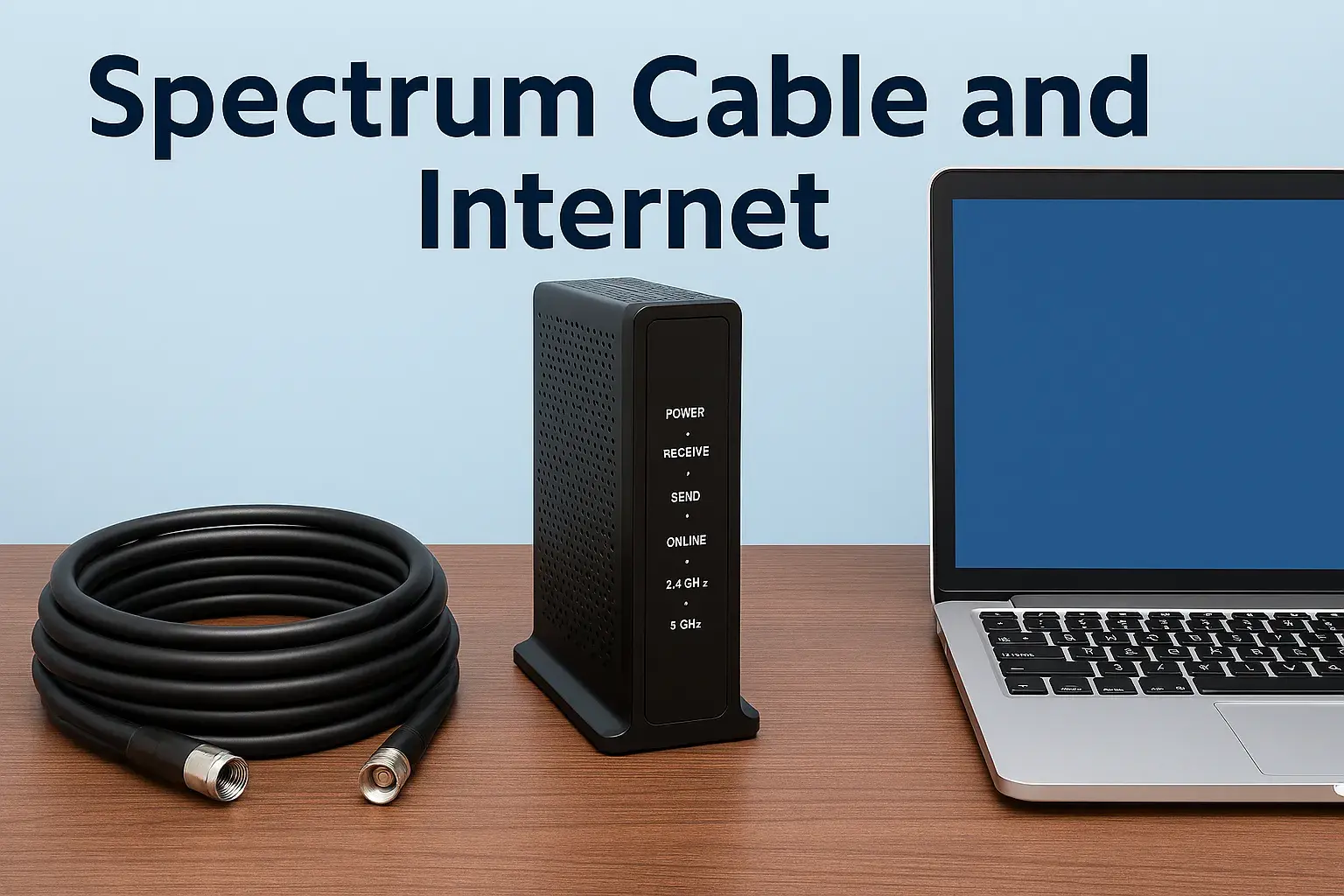
- Modem: This device connects your home to Spectrum's network.
- Router: This device creates your Wi-Fi network, allowing multiple devices to connect wirelessly. Spectrum often offers combination modem/router units (gateways) or separate devices.
Pros of Renting:
- Convenience: No need to research or purchase your own equipment.
- Compatibility: Guaranteed to work with Spectrum's network.
- Support: Spectrum technicians can troubleshoot and replace faulty rented equipment.
Cons of Renting:
- Monthly Cost: The rental fee adds to your monthly bill, and over time, this can be more expensive than purchasing your own equipment.
- Limited Choice: You get the equipment Spectrum provides, which may not always be the latest or most feature-rich models.
Using Your Own Equipment (BYOD - Bring Your Own Device)
You have the option to purchase your own modem and router that are compatible with Spectrum's network. This can be a cost-effective solution in the long run.
- Compatibility: You must ensure your modem is on Spectrum's approved modem list. You can find this list on the Spectrum website. Using an incompatible modem will prevent you from getting service.
- Router: You can use any compatible router you choose.
Pros of BYOD:
- Cost Savings: After the initial purchase, you avoid monthly rental fees, leading to significant savings over time.
- Performance and Features: You can choose equipment that offers superior performance, features, and range tailored to your needs.
- Flexibility: You have more control over your home network setup.
Cons of BYOD:
- Initial Investment: Purchasing your own modem and router requires an upfront cost.
- Research Required: You need to ensure compatibility and choose reliable equipment.
- Self-Support: If your purchased equipment malfunctions, you are responsible for troubleshooting and replacement.
Choosing a Compatible Modem
When buying your own modem, look for DOCSIS 3.0 or DOCSIS 3.1 certification. DOCSIS 3.1 modems are future-proof and support gigabit speeds. Ensure the modem is explicitly listed on Spectrum's approved device list for your area.
Choosing a Router
If you buy your own router, consider factors like Wi-Fi standards (Wi-Fi 6 or Wi-Fi 6E are current), the size of your home, the number of devices you'll connect, and any specific features you need (e.g., parental controls, mesh capabilities).
Activating Your Own Equipment
If you choose to use your own equipment, you will typically need to activate it yourself after installation. This involves connecting the modem, going to a specific Spectrum activation portal, and providing your account information.
Spectrum Customer Service and Support
Reliable customer service and technical support are essential when dealing with any internet service provider. Spectrum offers various channels for customers to get assistance.
Contacting Spectrum Support
- Phone: The most direct way to reach Spectrum for sales, technical support, or billing inquiries is by phone. Their customer service lines are available 24/7 for technical issues and have specific hours for sales and billing.
- Online Chat: Spectrum's website often features a live chat option, allowing you to communicate with a support agent in real-time without needing to make a phone call.
- Online Account Management: Through the Spectrum website or mobile app, you can manage your account, view bills, check for service outages, and access troubleshooting guides.
- Social Media: Spectrum maintains a presence on social media platforms where they may offer support or direct you to the appropriate resources.
Common Support Needs
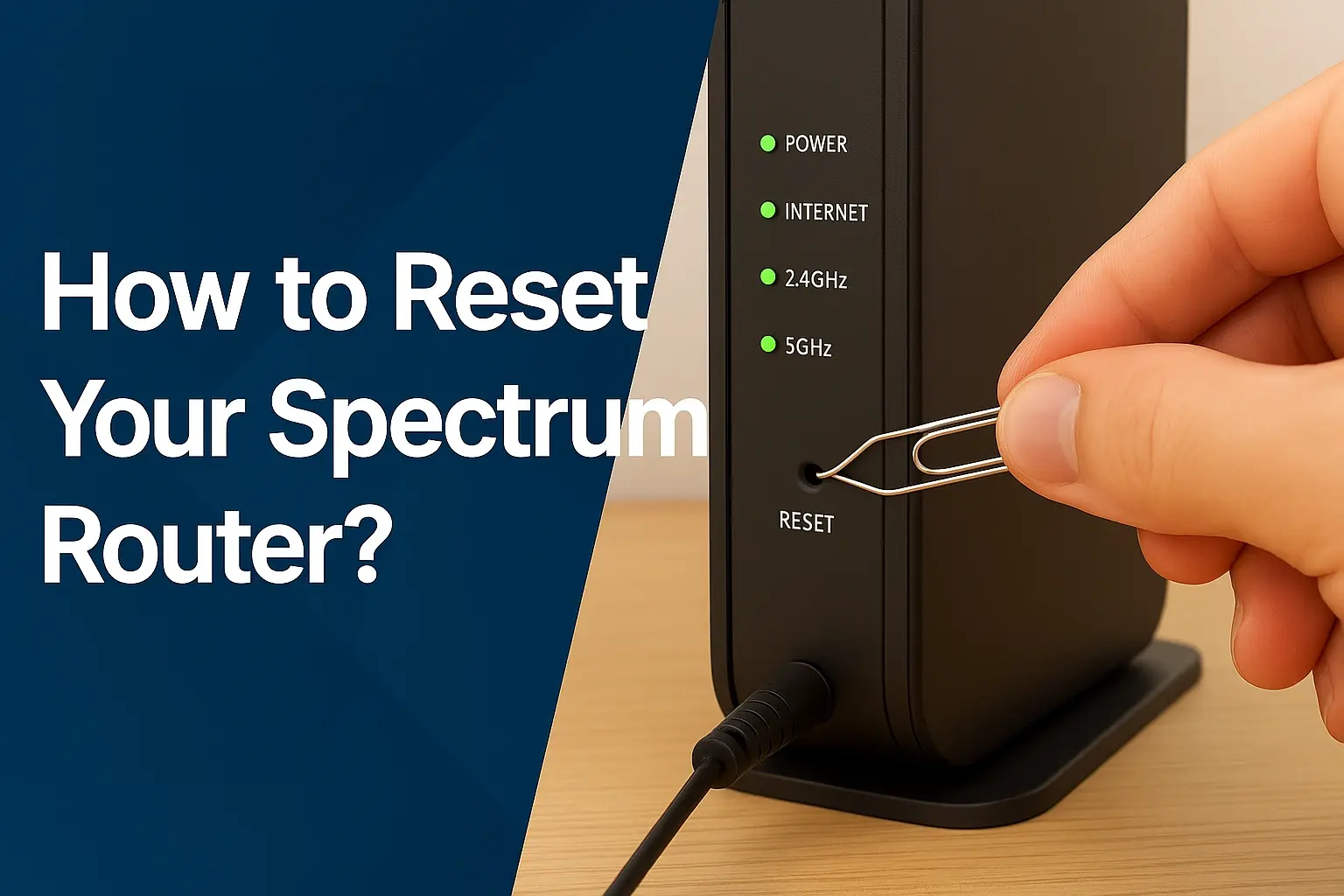
- Technical Troubleshooting: If your internet is slow, intermittent, or not working at all, technical support can help diagnose the problem. They can guide you through modem resets, check your line, and schedule a technician visit if necessary.
- Billing Inquiries: For questions about your bill, understanding charges, or setting up payment arrangements, the billing department is your point of contact.
- Service Changes: If you need to upgrade or downgrade your plan, add or remove services, or move your service to a new address, customer service can assist.
- Equipment Issues: If your rented modem or router is malfunctioning, customer service can arrange for a replacement.
Tips for Effective Support Interactions
- Have Your Account Information Ready: Before contacting support, have your account number, name, and service address readily available.
- Be Specific About the Problem: Clearly describe the issue you are experiencing, including when it started, any error messages you see, and what troubleshooting steps you've already taken.
- Note Down Information: Keep a record of who you spoke with, the date and time of your call, and any reference numbers or instructions provided.
- Be Patient and Polite: Support agents are there to help. A calm and respectful demeanor can lead to a more productive conversation.
Self-Help Resources
Spectrum provides a comprehensive online help center with FAQs, troubleshooting guides, and video tutorials. These resources can often resolve common issues without needing to contact a representative directly.
Spectrum Internet vs. Competitors (2025-2026)
When deciding on an internet provider, it's wise to compare Spectrum's offerings against other major players in the market. The competitive landscape for internet service in the US includes companies like Xfinity (Comcast), Verizon Fios, AT&T Internet, and various smaller regional providers. Each offers different technologies, speeds, pricing, and service areas.
Technology Differences
- Spectrum: Primarily uses a Hybrid Fiber-Coaxial (HFC) network. This technology is robust and can deliver high speeds, especially in areas where the fiber optic backbone is close to the home.
- Xfinity (Comcast): Also uses HFC technology, similar to Spectrum. They are often direct competitors in many markets.
- Verizon Fios: Utilizes a Fiber-to-the-Home (FTTH) network. Fiber optic cables run directly to the premises, offering symmetrical upload and download speeds and generally higher maximum speeds than HFC.
- AT&T Internet: Offers a mix of technologies, including DSL (Digital Subscriber Line), Fiber (AT&T Fiber), and Fixed Wireless. DSL speeds are typically lower, while Fiber offers performance comparable to or exceeding Verizon Fios.
Speed and Performance Comparison (Illustrative 2025-2026)
Here's a general comparison of what you might find:
| Provider | Primary Technology | Typical Max Download Speed | Symmetrical Speeds? | Data Caps? |
|---|---|---|---|---|
| Spectrum | HFC | 1 Gbps+ | No (Uploads are lower) | Generally No |
| Xfinity | HFC | 2 Gbps+ (in select areas) | No (Uploads are lower) | Yes (often with an unlimited option) |
| Verizon Fios | Fiber | 2 Gbps+ | Yes | No |
| AT&T Fiber | Fiber | 5 Gbps+ (in select areas) | Yes | No |
Note: Speeds and features are subject to change and vary significantly by location. Always check provider websites for the most accurate, location-specific information.
Pricing and Value
Pricing is highly variable and often depends on promotional offers, contract terms, and bundles. Spectrum is often competitive on price, especially for introductory offers. However, fiber providers like Verizon Fios and AT&T Fiber may offer better value for those who need symmetrical upload speeds or the absolute highest performance, though their base prices might be higher.
Bundling Options
Spectrum, Xfinity, and AT&T are all known for offering bundles of internet, TV, and phone services. Verizon primarily focuses on internet and mobile, with TV often being a separate offering through partners. Bundling can offer convenience and savings, but it's crucial to do the math to ensure it's the best deal for your needs.
Customer Satisfaction and Reliability
Customer satisfaction can vary greatly by region and individual experience. Fiber optic services (Verizon Fios, AT&T Fiber) often receive higher marks for reliability and consistent performance due to the nature of fiber technology. However, Spectrum and Xfinity, with their extensive HFC networks, can also provide excellent service, especially in well-maintained areas.
Key Considerations for Comparison
- Availability: This is the primary factor. You can only choose from providers available at your address.
- Speed Needs: Do you need symmetrical upload speeds for professional use, or are standard download speeds sufficient?
- Budget: Compare introductory and standard pricing, including all fees and equipment costs.
- Data Caps: If you're a heavy user, providers without data caps (like Spectrum and Fios) are highly advantageous.
- Bundling: If you need TV and phone services, consider bundled packages.
By understanding these comparisons, you can make a more informed decision about whether Spectrum Internet is the right choice for you, or if another provider might better suit your specific requirements.
Conclusion
Getting Spectrum Internet involves a clear, manageable process. From confirming availability at your address to selecting the ideal plan and scheduling installation, this guide has provided a comprehensive roadmap for 2025-2026. Spectrum's generally robust network, commitment to no data caps, and competitive pricing make it a strong contender for many households. Remember to assess your household's unique internet usage patterns to choose the speed tier that offers the best balance of performance and value. Whether you opt for a speedy Gigabit connection or a more modest plan, understanding your needs is paramount. Carefully review all pricing, fees, and contract terms before finalizing your order, and consider whether renting equipment or using your own compatible devices aligns best with your budget and technical comfort. With this knowledge, you're well-equipped to successfully get Spectrum Internet and enjoy a reliable online experience.