Yes, EarthLink does offer wireless internet solutions, though the specific types and availability can vary. This comprehensive guide will explore EarthLink's wireless offerings, helping you determine if they meet your connectivity needs in 2025 and 2026.
EarthLink Wireless Internet: An Overview
In the ever-evolving landscape of internet connectivity, the term "wireless internet" can encompass a variety of technologies. For many users, the primary question is whether a provider like EarthLink, known for its broader internet services, offers solutions that don't rely on traditional wired infrastructure. The answer is a nuanced yes. EarthLink's approach to wireless internet in 2025 and 2026 primarily focuses on providing internet access to areas where wired options might be limited or unavailable, leveraging fixed wireless technology. They also facilitate mobile internet access through compatible devices and plans. This section will delve into what EarthLink's wireless offerings entail, setting the stage for a deeper exploration of their specific services and how they might fit your connectivity requirements.
Understanding EarthLink's Wireless Internet Options
When discussing EarthLink and wireless internet, it's crucial to differentiate between the types of wireless technologies they might employ or facilitate. Unlike a pure mobile carrier that offers cellular data plans across a wide network, EarthLink's primary wireless focus is on delivering broadband internet to homes and businesses. This typically involves technologies that create a wireless link from a local access point to your premises, rather than relying on underground cables or fiber optic lines directly to your home. Understanding these distinctions is key to evaluating whether EarthLink's wireless solutions are the right fit for your needs.
Fixed Wireless Internet
The most prominent form of wireless internet offered by EarthLink, particularly in areas underserved by traditional broadband, is fixed wireless. This technology uses radio waves to transmit internet signals from a tower to a receiver installed at your home or business. It's "fixed" because it's designed for a stationary location, unlike mobile wireless which is for devices on the go. EarthLink partners with various fixed wireless providers or utilizes its own infrastructure in certain regions to bring broadband speeds to customers who might otherwise have limited options. This solution bridges the gap between dial-up, DSL, and more advanced fiber or cable services, offering a viable alternative where wired infrastructure is scarce.
Mobile Hotspots and Tethering
Beyond fixed wireless for home use, EarthLink also provides pathways for mobile internet access. This is typically achieved through mobile hotspot devices or by enabling tethering capabilities on compatible smartphones. While EarthLink itself may not be a mobile network operator in the same vein as major cellular carriers, they can facilitate access to mobile data plans, often through partnerships or by allowing users to utilize their own cellular devices. This allows for internet access on the go, for laptops, tablets, and other Wi-Fi-enabled devices, using cellular data networks. The reliability and speed depend heavily on the cellular coverage in your specific area.
Satellite Internet (Indirectly)
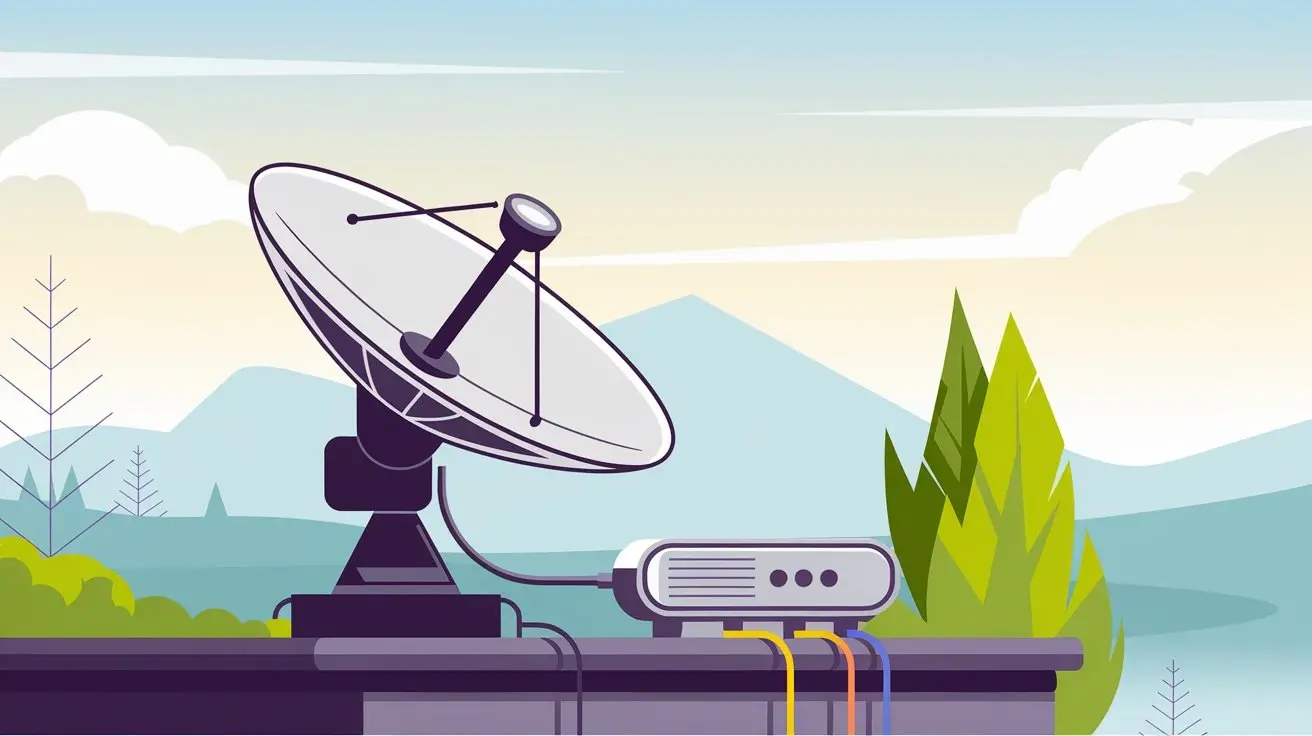
While not strictly "wireless internet" in the terrestrial sense, it's worth noting that in extremely remote areas where even fixed wireless is not feasible, satellite internet is often the only option. EarthLink has historically offered satellite internet services. This technology uses a satellite dish to communicate with a satellite in orbit, which then relays data to and from ground stations. Although it involves a wireless transmission, the latency can be higher compared to terrestrial wireless or wired options. For 2025-26, while newer satellite technologies like Starlink are emerging, EarthLink's satellite offerings continue to serve a niche market requiring internet in the most isolated locations.
Fixed Wireless Internet Explained
Fixed wireless internet is a cornerstone of EarthLink's strategy to provide broadband access, especially in rural and suburban areas where deploying wired infrastructure is cost-prohibitive. This technology offers a compelling alternative to traditional cable or DSL, providing speeds that can rival some wired connections. Understanding how it works, its advantages, and its limitations is crucial for potential users.
How Fixed Wireless Works
Fixed wireless internet operates by establishing a point-to-point or point-to-multipoint wireless connection. A central tower, equipped with a transmitter and receiver, broadcasts an internet signal. At the customer's location, a small antenna or receiver dish is installed, typically on the roof or side of the building. This receiver captures the wireless signal from the tower and converts it into an internet connection that can be distributed within the home or business via a router. The signal travels wirelessly from the tower to the customer's premises, eliminating the need for physical cables running underground or overhead to the property line.
Key Components of Fixed Wireless:
- Base Station/Tower: The source of the internet signal, connected to the broader internet backbone.
- Customer Premises Equipment (CPE): This includes the outdoor antenna/receiver dish and often an indoor router/modem.
- Radio Waves: The medium used to transmit data between the tower and the CPE.
Factors Affecting Fixed Wireless Performance
The performance of fixed wireless internet is influenced by several environmental and technical factors. Unlike wired connections, which are largely shielded from external interference, fixed wireless signals can be affected by:
- Line of Sight: A clear, unobstructed path between the tower and the customer's antenna is paramount. Trees, buildings, hills, and even heavy foliage can degrade or block the signal.
- Distance: The farther a customer is from the tower, the weaker the signal can become, potentially leading to slower speeds and less reliable connections.
- Weather Conditions: Heavy rain, snow, or fog can sometimes interfere with radio wave propagation, though modern fixed wireless systems are designed to mitigate these effects.
- Interference: Other wireless signals operating on similar frequencies can cause interference, impacting performance.
Speed and Data Caps in 2025-26
As of 2025-26, fixed wireless providers, including those partnered with or operated by EarthLink, are offering a range of speeds. Entry-level plans might start around 25 Mbps, suitable for basic browsing and email, while higher-tier plans can offer speeds of 100 Mbps, 200 Mbps, or even higher, capable of supporting multiple users, streaming HD content, and online gaming. Data caps are a common feature of fixed wireless plans, though they are becoming more generous. Many plans offer substantial monthly data allowances, such as 300 GB or even unlimited data, but it's crucial to check the specific terms, as exceeding these caps can result in throttled speeds or additional charges.
For instance, a typical EarthLink fixed wireless plan in 2025 might offer speeds up to 50 Mbps download and 10 Mbps upload with a 500 GB data allowance for approximately $60-$80 per month, depending on the region and specific provider. More premium plans could reach 150 Mbps download and 20 Mbps upload with unlimited data for around $90-$110 per month. These figures are illustrative and subject to change based on market conditions and technological advancements.
Mobile Hotspots and Tethering with EarthLink
While fixed wireless addresses home or business connectivity, EarthLink also facilitates mobile internet access. This is primarily achieved through the use of mobile hotspots and smartphone tethering, allowing users to connect to the internet while on the move or when a fixed connection isn't available. This aspect of EarthLink's wireless offerings is more about enabling portable internet access rather than providing a primary home broadband solution.
Mobile Hotspot Devices
A dedicated mobile hotspot device is a portable gadget that connects to cellular networks (like 4G LTE or 5G) and creates a Wi-Fi network that multiple devices can connect to. EarthLink may offer these devices or support plans that work with them. These devices are ideal for individuals or small groups who need reliable internet access while traveling, working remotely, or in situations where Wi-Fi isn't readily available. The performance is directly tied to the strength and speed of the underlying cellular network (e.g., AT&T, Verizon, T-Mobile) that the hotspot is utilizing.
Benefits of Mobile Hotspots:
- Portability: Small and easy to carry, fitting in a pocket or bag.
- Multiple Device Connectivity: Can connect several smartphones, tablets, and laptops simultaneously.
- Flexibility: Provides internet access wherever there is cellular coverage.
Smartphone Tethering
Tethering, also known as a mobile hotspot on your phone, allows you to share your smartphone's cellular data connection with other devices. When enabled, your smartphone acts as a Wi-Fi hotspot, broadcasting a network that other devices can join. This is a convenient option for occasional internet use on other devices without needing a separate hotspot device. However, it's important to note that tethering can consume a significant amount of your phone's battery and data allowance. Many mobile carriers have specific plans or restrictions on tethering, and EarthLink's offerings in this area would typically align with or depend on the mobile carrier's policies.
Considerations for Tethering:
- Data Limits: Tethering data often counts against your smartphone's data plan, which may have lower limits than dedicated home internet plans.
- Battery Drain: Running a hotspot on your phone can quickly deplete its battery.
- Carrier Policies: Some carriers may charge extra for tethering or limit speeds.
Data Plans and Speeds for Mobile Wireless
Data plans for mobile hotspots and tethering vary widely. In 2025-26, users can expect plans ranging from a few gigabytes per month for light use to unlimited data options, though "unlimited" often comes with deprioritization after a certain threshold (e.g., 50 GB or 100 GB of high-speed data). Speeds will depend on the cellular network generation (4G LTE or 5G) and signal strength. 5G connections can offer speeds comparable to some fixed broadband services, potentially reaching hundreds of Mbps, while 4G LTE typically provides speeds ranging from 10 Mbps to 50 Mbps.
For example, a mobile hotspot plan facilitated by EarthLink might offer 50 GB of high-speed data for around $50-$70 per month, with speeds throttled thereafter. Unlimited plans could range from $70-$100 per month, with potential speed reductions during network congestion after reaching a certain high-speed data usage limit.
Checking EarthLink Wireless Availability
The crucial first step in determining if EarthLink's wireless internet is an option for you is to check for availability and coverage in your specific location. Unlike traditional wired internet, where availability is often tied to whether a neighborhood has been cabled, wireless availability is more dynamic and depends on the proximity to fixed wireless towers or cellular network coverage.
How to Check Availability
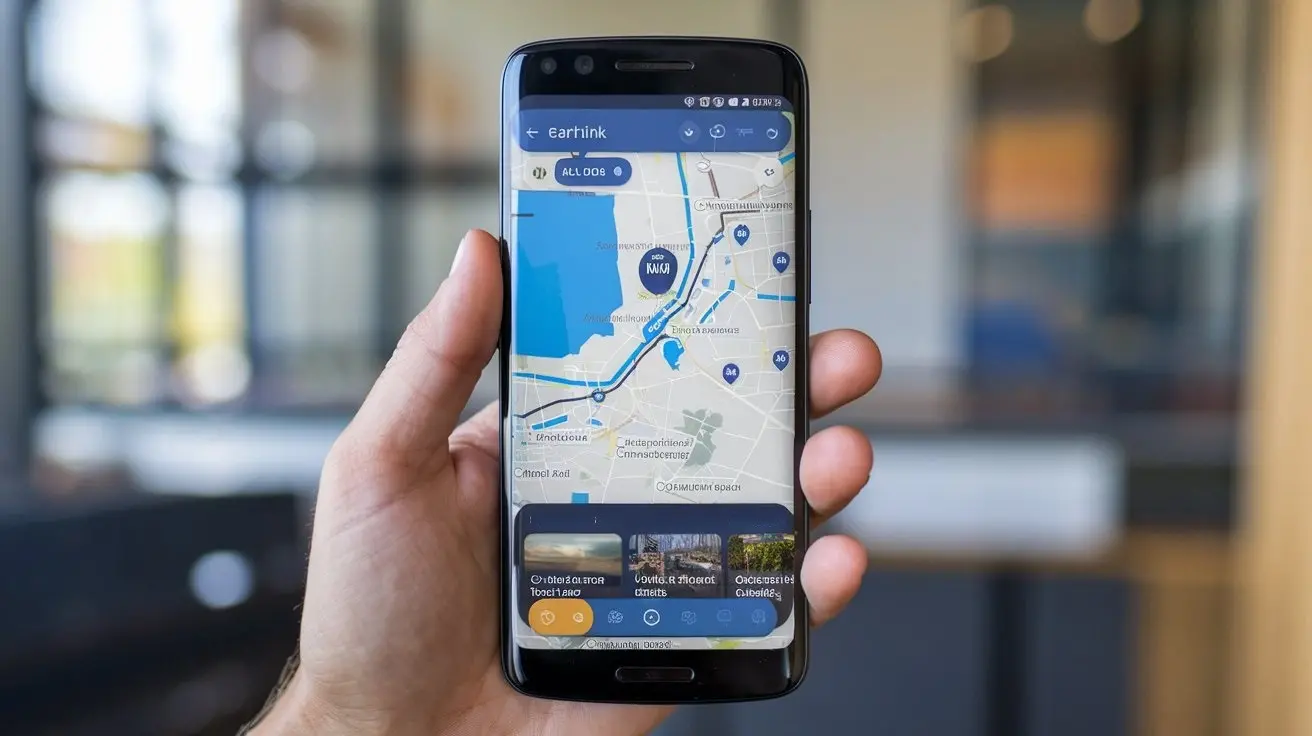
EarthLink typically provides an online tool on its website where users can enter their address to see available internet services. For wireless options, this tool will indicate if fixed wireless is offered in your area and, if so, what speeds and plans are available. If you are interested in mobile hotspot solutions, availability is generally dictated by the coverage maps of the underlying cellular networks that EarthLink supports or partners with.
Steps to Check Availability:
- Visit the EarthLink Website: Navigate to the official EarthLink homepage.
- Locate the "Check Availability" Tool: This is usually prominent on the homepage or within the "Internet Services" section.
- Enter Your Full Address: Provide your street address, city, state, and zip code.
- Review Results: The tool will display all available internet technologies and plans for your address, including any fixed wireless options.
Factors Influencing Wireless Coverage
For fixed wireless, availability is determined by the presence of EarthLink's or its partners' fixed wireless towers within a usable range of your location. The technology relies on a direct line of sight, so even if you are geographically close to a tower, obstructions like dense forests or tall buildings can prevent a stable connection.
For mobile wireless (hotspots/tethering), availability is contingent on the cellular network coverage in your area. EarthLink may partner with specific mobile carriers, so it's important to understand which network's coverage you would be relying on. Major carriers like AT&T, Verizon, and T-Mobile have extensive 4G LTE and growing 5G networks across the United States. However, coverage can still be spotty in very rural or remote areas.
Using Third-Party Coverage Maps
In addition to EarthLink's own tools, you can also consult third-party coverage maps for major cellular carriers if you are considering mobile hotspot solutions. Websites like Opensignal, Ookla (Speedtest.net), and the carriers' own websites often provide detailed maps showing 4G LTE and 5G coverage, as well as average speeds in different regions. This can give you a broader understanding of the potential performance you might expect from a mobile wireless connection facilitated by EarthLink.
EarthLink Wireless vs. Other Internet Types
When considering EarthLink's wireless internet, it's helpful to compare it against more traditional internet service types like DSL, Cable, and Fiber Optic. Each technology has its own set of advantages and disadvantages, and the best choice often depends on your location, budget, and specific internet usage needs.
Fixed Wireless vs. DSL
DSL (Digital Subscriber Line) uses existing telephone lines to deliver internet. It's widely available but often suffers from slower speeds, especially over longer distances from the telephone company's central office. Fixed wireless, when available, generally offers higher speeds than DSL and is not constrained by the distance to a central office, relying instead on proximity to a wireless tower.
| Feature | EarthLink Fixed Wireless | DSL |
|---|---|---|
| Technology | Radio waves from tower to antenna | Utilizes telephone lines |
| Typical Speeds (2025-26) | 25 Mbps - 200+ Mbps | 5 Mbps - 100 Mbps (often lower in practice) |
| Availability | Areas underserved by wired; requires line of sight | Areas with active phone lines; widely available but performance degrades with distance |
| Installation | Outdoor antenna installation | Often self-install or simple modem setup |
| Performance Factors | Line of sight, distance to tower, weather | Distance to central office, line quality |
Fixed Wireless vs. Cable Internet
Cable internet uses the same coaxial cable network as cable television. It typically offers higher speeds than DSL and is more readily available in suburban and urban areas. Cable internet speeds can be very competitive with fixed wireless, often reaching hundreds of Mbps. However, cable networks are shared, meaning speeds can sometimes slow down during peak usage hours when many neighbors are online.
| Feature | EarthLink Fixed Wireless | Cable Internet |
|---|---|---|
| Technology | Radio waves from tower to antenna | Coaxial cable network |
| Typical Speeds (2025-26) | 25 Mbps - 200+ Mbps | 50 Mbps - 1000+ Mbps |
| Availability | Areas underserved by wired; requires line of sight | Suburban and urban areas with cable TV infrastructure |
| Performance Factors | Line of sight, distance to tower, weather | Network congestion (shared bandwidth), cable quality |
| Data Caps | Common, but often generous | Less common for higher tiers, but can exist |
Fixed Wireless vs. Fiber Optic Internet
Fiber optic internet is the gold standard for speed and reliability, using light signals transmitted through glass fibers. It offers the highest symmetrical speeds (download and upload are the same) and is generally unaffected by distance or interference. However, fiber is the least available, typically found only in newer developments or areas that have undergone extensive infrastructure upgrades.
| Feature | EarthLink Fixed Wireless | Fiber Optic Internet |
|---|---|---|
| Technology | Radio waves from tower to antenna | Fiber optic cables (light signals) |
| Typical Speeds (2025-26) | 25 Mbps - 200+ Mbps | 100 Mbps - 10 Gbps (symmetrical) |
| Availability | Areas underserved by wired; requires line of sight | Limited to specific neighborhoods/developments with fiber deployment |
| Reliability | Good, but can be affected by weather/obstructions | Excellent, highly resistant to interference |
| Latency | Moderate | Very Low |
Mobile Hotspots vs. Home Broadband
It's important to distinguish that mobile hotspots and tethering are generally not intended as primary home internet replacements for heavy usage. They are best suited for:
- On-the-go access: For travel, remote work, or temporary needs.
- Backup internet: A fallback if your primary home connection goes down.
- Low-usage households: For individuals or families with minimal internet needs who prioritize mobility.
The data caps, potential for deprioritization, and higher costs per gigabyte often make mobile solutions less economical for consistent, high-volume home internet use compared to fixed wireless or wired options.
Pros and Cons of EarthLink Wireless Internet
Like any internet service, EarthLink's wireless options come with their own set of advantages and disadvantages. Understanding these can help you make an informed decision about whether it's the right fit for your needs in 2025-26.
Pros of EarthLink Wireless Internet
- Availability in Underserved Areas: This is the primary advantage. Fixed wireless can bring broadband speeds to rural, remote, or suburban locations where laying cable or fiber is not feasible or cost-effective.
- Faster than Dial-up/Satellite (often): For many users in areas with limited options, fixed wireless provides a significant upgrade in speed and reliability compared to older technologies like dial-up or traditional satellite internet.
- Relatively Quick Installation: Compared to the complex trenching and wiring required for fiber or cable, fixed wireless installation, which involves mounting an antenna and running a cable inside, can often be completed in a few hours.
- Competitive Speeds: Modern fixed wireless technology can deliver speeds that are sufficient for streaming, browsing, and moderate online gaming.
- Mobility (with Hotspots): EarthLink's facilitation of mobile hotspots offers flexibility for internet access on the go.
Cons of EarthLink Wireless Internet
- Line of Sight Requirement: Fixed wireless performance is highly dependent on an unobstructed path between the antenna and the tower. Trees, buildings, and terrain can significantly degrade or block the signal.
- Potential for Weather Interference: While less of an issue with modern equipment, severe weather like heavy rain or snow can sometimes impact signal strength and stability.
- Data Caps: Many fixed wireless plans come with data caps, which can be restrictive for heavy internet users. Exceeding these caps often results in reduced speeds or extra charges.
- Latency: While generally better than satellite, fixed wireless can have higher latency than fiber or cable, which might affect real-time applications like competitive online gaming or high-frequency trading.
- Speed Variability: Speeds can fluctuate based on network congestion, distance from the tower, and environmental factors.
- Mobile Data Limitations: For mobile hotspots, data limits, deprioritization, and battery drain are significant considerations.
Choosing the Right EarthLink Wireless Plan
Selecting the most suitable EarthLink wireless plan requires careful consideration of your internet usage habits, budget, and the specific services available in your area. With different types of wireless solutions and varying plan structures, a personalized approach is essential.
Assess Your Internet Needs
Begin by evaluating how you and your household use the internet. Consider the following:
- Number of Users: How many people will be using the internet simultaneously?
- Types of Activities: Will you be streaming HD/4K video, playing online games, video conferencing extensively, or primarily browsing and checking email?
- Data Consumption: Estimate your monthly data usage. Streaming 4K video can consume 7 GB per hour, while standard HD uses around 3 GB per hour. Gaming and large downloads also add up quickly.
- Device Count: How many devices will be connected to the internet at any given time?
Compare Speed and Data Allowances
Once you have a clear understanding of your needs, compare the speed tiers and data allowances offered by EarthLink's wireless plans. As of 2025-26, typical fixed wireless plans might range from 25 Mbps for basic use to 150 Mbps or more for heavier usage. Data allowances can range from 200 GB to unlimited. For mobile hotspots, data allowances are often more limited, with "unlimited" plans typically including a high-speed data threshold before speeds are reduced.
Example Plan Comparison (Illustrative 2025-26):
| Plan Name | Speed (Download/Upload) | Data Allowance | Estimated Monthly Cost | Best For |
|---|---|---|---|---|
| EarthLink Basic Wireless | Up to 50 Mbps / 10 Mbps | 300 GB | $70 | Light browsing, email, occasional streaming |
| EarthLink Standard Wireless | Up to 100 Mbps / 20 Mbps | 500 GB | $90 | Multiple users, HD streaming, moderate gaming |
| EarthLink Premium Wireless | Up to 200 Mbps / 30 Mbps | Unlimited (High-speed threshold 500 GB) | $110 | Heavy users, 4K streaming, multiple devices, online gaming |
| EarthLink Mobile Hotspot (Basic) | Up to 50 Mbps (network dependent) | 50 GB High-Speed | $60 | On-the-go, occasional use, backup |
Note: Costs and specific plan details are estimates and can vary by location and provider. Always verify with EarthLink directly.
Consider Contract Terms and Fees
Pay close attention to contract lengths, early termination fees, installation charges, and any equipment rental fees. Some providers may offer promotional pricing for the first few months, so understand the regular price after the introductory period. For fixed wireless, there might be an upfront cost for the installation and equipment, though this is sometimes waived or subsidized.
Mobile Hotspot vs. Fixed Wireless for Home Use
If you're looking for primary home internet, fixed wireless is generally the more appropriate and cost-effective solution. Mobile hotspots are best for portability and occasional use. Using a mobile hotspot as your sole home internet for a family can quickly become expensive due to data limits and potential overage charges, and speeds might not be consistent enough for a household's needs.
Installation and Setup for EarthLink Wireless
The installation process for EarthLink's wireless internet, particularly fixed wireless, is designed to be relatively straightforward, though it does require professional attention. Mobile hotspot setup, on the other hand, is typically a do-it-yourself process.
Fixed Wireless Installation Process
For fixed wireless internet, a technician will visit your home or business to install the necessary equipment. The process generally involves the following steps:
- Site Survey: The technician will assess your location to determine the optimal placement for the outdoor antenna/receiver. This involves checking for a clear line of sight to the nearest EarthLink (or partner) tower and identifying the best mounting location (e.g., roof, side of the house).
- Mounting the Antenna: The outdoor antenna or dish is securely mounted to the exterior of your building.
- Running the Cable: A cable (typically Ethernet) is run from the outdoor antenna through a small hole drilled into the wall, connecting to the indoor equipment.
- Connecting Indoor Equipment: The cable is connected to a power inserter and then to your router or a modem/router combo unit provided by EarthLink.
- Configuration and Testing: The technician will configure the equipment, test the internet connection, verify speeds, and ensure everything is working correctly before leaving.
The entire installation typically takes a few hours. It's crucial to ensure someone over 18 is present during the appointment.
DIY Setup for Mobile Hotspots
If you are using a dedicated mobile hotspot device or your smartphone for tethering, the setup is generally much simpler:
- Dedicated Hotspot Device:
- Insert the SIM card provided with your plan.
- Power on the device.
- On your laptop or smartphone, search for Wi-Fi networks.
- Select the network name (SSID) broadcast by your hotspot device and enter the password (usually found on the device itself or in its manual).
- Smartphone Tethering:
- On your smartphone, go to Settings.
- Find the "Hotspot & Tethering" or "Personal Hotspot" option.
- Enable the hotspot feature. You may need to set a network name (SSID) and password.
- On the device you want to connect, search for Wi-Fi networks and connect to your phone's hotspot using the provided credentials.
Ensure your mobile plan supports hotspot usage or tethering.
What to Expect Post-Installation
After fixed wireless installation, you should have a stable internet connection. For mobile hotspots, connectivity is dependent on cellular signal strength. It's always a good idea to run a speed test shortly after setup to confirm you are getting the speeds advertised in your plan. If you encounter any issues, EarthLink's customer support can assist.
Customer Support and Troubleshooting
When you encounter issues with your EarthLink wireless internet service, having access to reliable customer support and knowing basic troubleshooting steps can save you time and frustration. EarthLink provides various channels for support, and understanding common problems can help you resolve many issues independently.
EarthLink Customer Support Channels
EarthLink offers customer support through several avenues:
- Phone Support: This is often the most direct way to speak with a representative. EarthLink typically provides a customer service hotline for technical assistance and billing inquiries.
- Online Chat: Many ISPs offer live chat support on their websites, allowing for real-time text-based assistance.
- Email Support: For less urgent matters, email support can be a convenient option.
- Online Help Center/Knowledge Base: EarthLink's website usually features a comprehensive FAQ section, troubleshooting guides, and articles that can help you find answers to common questions.
Support hours can vary, so it's advisable to check EarthLink's website for the most current contact information and operating hours.
Common Troubleshooting Steps
Before contacting customer support, try these basic troubleshooting steps for your EarthLink wireless connection:
- Restart Your Equipment: The classic "turn it off and on again" often resolves temporary glitches. For fixed wireless, this means unplugging the power from your router and the outdoor equipment's power inserter (if applicable) for about 30 seconds, then plugging them back in. For mobile hotspots, simply power cycle the device.
- Check Connections: Ensure all cables are securely connected. For fixed wireless, check the Ethernet cable running from the outdoor antenna to the indoor unit. For mobile hotspots, ensure the SIM card is properly seated.
- Verify Line of Sight (Fixed Wireless): If your fixed wireless connection has recently degraded, check if any new obstructions (e.g., new construction, overgrown trees) have appeared between your antenna and the tower.
- Check Signal Strength (Mobile Hotspots): For mobile hotspots, move to an area with a stronger cellular signal. Avoid basements or areas with thick walls.
- Test on Multiple Devices: Try connecting to the internet with a different device to determine if the issue is with the internet service itself or a specific device.
- Check Data Usage: If you have a data cap, ensure you haven't exceeded your allowance, which could lead to throttled speeds.
- Check for Outages: Visit EarthLink's website or contact support to see if there are any known network outages in your area.
When to Escalate to Support
If you have performed the basic troubleshooting steps and are still experiencing issues such as no internet connection, extremely slow speeds, or frequent disconnections, it's time to contact EarthLink customer support. Be prepared to provide details about your service, the equipment you are using, and the troubleshooting steps you have already taken. This will help the support agent diagnose the problem more efficiently.
The Future of EarthLink Wireless Connectivity
The landscape of internet connectivity is constantly evolving, driven by technological advancements and increasing consumer demand for faster, more reliable services. EarthLink's wireless offerings are positioned to adapt to these changes, with a particular focus on expanding broadband access through fixed wireless and leveraging emerging mobile technologies.
Advancements in Fixed Wireless Technology
Fixed wireless technology is continually improving. In 2025-26 and beyond, we can expect:
- Higher Frequencies and Bandwidths: Utilizing higher frequency bands (like mmWave for 5G fixed wireless) can enable significantly faster speeds, potentially rivaling fiber in some scenarios.
- Improved Spectrum Efficiency: Technologies like Massive MIMO (Multiple-Input Multiple-Output) allow for more efficient use of available radio spectrum, increasing capacity and speed for more users.
- Enhanced Reliability: Developments in beamforming and interference mitigation techniques are making fixed wireless connections more robust and less susceptible to environmental factors.
EarthLink will likely continue to integrate these advancements into its fixed wireless deployments to offer competitive speeds and service quality, especially in areas where fiber deployment is slow.
The Role of 5G in Wireless Internet
The rollout of 5G cellular networks is a significant development for wireless internet. While primarily known for mobile devices, 5G is also enabling new forms of fixed wireless access (5G FWA). EarthLink may leverage 5G infrastructure to offer higher-speed fixed wireless services to homes and businesses. For mobile users, 5G provides the potential for much faster speeds and lower latency, making mobile hotspots and tethering more viable for a wider range of applications, including more demanding ones like cloud gaming and high-definition video conferencing on the go.
Bridging the Digital Divide
EarthLink's commitment to providing internet access in underserved areas positions its wireless solutions as critical tools in bridging the digital divide. As the reliance on internet connectivity for education, work, healthcare, and social engagement grows, fixed wireless and potentially 5G FWA will play an increasingly important role in ensuring equitable access to high-speed internet. EarthLink's strategy of partnering with local providers and utilizing flexible wireless technologies allows them to reach communities that might otherwise be left behind.
The ongoing expansion of broadband infrastructure, both wired and wireless, means that more options will become available over time. However, for the foreseeable future, EarthLink's wireless internet solutions, particularly fixed wireless, will remain a vital component of their service portfolio, offering a practical and often necessary pathway to reliable broadband for a significant segment of the population.
Conclusion
In response to the central question, "Does EarthLink have wireless internet?", the answer is a definitive yes, with fixed wireless being their primary offering for home and business broadband. This technology is a crucial enabler for users in areas where traditional wired infrastructure is scarce, providing speeds that can support modern internet activities. EarthLink also facilitates mobile wireless access through hotspot devices and tethering, offering flexibility for users on the go. As of 2025-26, EarthLink's fixed wireless plans are designed to compete with other broadband options, offering a range of speeds and data allowances, though careful attention to line-of-sight requirements and potential data caps is necessary. While fiber optics remain the pinnacle of internet technology, EarthLink's wireless solutions are a vital bridge, effectively combating the digital divide and ensuring more households have access to reliable high-speed internet. For those seeking an alternative to limited wired options, exploring EarthLink's fixed wireless availability in their specific location is a highly recommended step toward securing a robust internet connection.