Wondering if blazing-fast Frontier Fiber internet is available at your address? This comprehensive guide will help you determine Frontier Fiber's coverage in your area, explore its benefits, compare plans, and understand the installation process. Get ready to unlock a superior internet experience.
Checking Frontier Fiber Availability in Your Area
The first and most crucial step in getting Frontier Fiber is to confirm if it's actually available at your specific address. Frontier's fiber network is expanding, but it's not yet ubiquitous across the entire United States. Several factors influence availability, including geographic location, existing infrastructure, and ongoing network build-out projects. Fortunately, Frontier makes this process straightforward and accessible through their official website and customer service channels.
The Official Frontier Fiber Availability Checker
The most reliable method to check for Frontier Fiber availability is by using the dedicated tool on Frontier's official website. This tool is designed to cross-reference your address against their current network maps and planned expansion zones. Here's how to use it:
- Navigate to the official Frontier Communications website.
- Look for a prominent section or button labeled "Check Availability," "See Plans," or similar. This is often found on the homepage or within the internet services section.
- You will typically be prompted to enter your full street address, including city, state, and zip code. Some systems might also ask for your account number if you are an existing Frontier customer looking to upgrade.
- After submitting your address, the system will perform a real-time check.
The results will indicate whether Frontier Fiber is currently available at your location. If it is, you'll usually be presented with available plans and pricing. If Frontier Fiber is not yet available, the website may provide information on:
- If fiber is planned for your area in the future.
- If other Frontier internet services (like DSL) are available.
- An option to sign up for notifications when fiber becomes available.
Why Address Specificity Matters
It's vital to check your exact address because internet infrastructure can vary significantly even within the same neighborhood or apartment building. Fiber optic cables are typically run to the street or a local node, and then individual connections are made to homes. Factors like the specific street, building management policies (for apartments/condos), and the exact location of the fiber optic termination point all play a role. A general zip code search might show that Frontier Fiber is in your broader area, but it doesn't guarantee service to your doorstep.
Contacting Frontier Customer Service
If you encounter any issues with the online checker or prefer to speak with a representative, Frontier's customer service is another excellent resource. You can call their dedicated sales or support lines. Be prepared to provide your full address. A customer service representative can access more detailed internal mapping data and provide the most accurate information regarding current and upcoming availability.
For 2025-26, Frontier continues its aggressive fiber build-out, prioritizing areas where it can offer a significant upgrade over existing internet options. This includes both urban and suburban regions, as well as expanding into some underserved rural communities through government initiatives and private investment.
Why Choose Frontier Fiber? The Advantages of Fiber Optic Internet
Frontier Fiber leverages the power of fiber optic technology, which represents the pinnacle of modern internet connectivity. Unlike traditional cable or DSL, fiber optics transmit data using light signals through thin strands of glass or plastic. This fundamental difference unlocks a host of benefits that significantly enhance your online experience. Understanding these advantages is key to appreciating why Frontier Fiber is a compelling choice for many households and businesses.
Unmatched Speed and Performance
The most significant advantage of fiber optic internet is its speed. Frontier Fiber offers symmetrical upload and download speeds, meaning your upload speeds are just as fast as your download speeds. This is a game-changer for activities that require robust uploads, such as video conferencing, online gaming, streaming in high definition, and uploading large files. While many providers offer high download speeds, their upload speeds are often a fraction of that, creating a bottleneck.
For 2025-26, Frontier is rolling out plans that commonly offer speeds of 500 Mbps, 1 Gig (1000 Mbps), and even multi-gigabit speeds (e.g., 2 Gbps, 5 Gbps). These speeds are not theoretical maximums; they are the speeds you can expect to experience consistently, enabling:
- Instantaneous downloads and uploads: Large files that used to take minutes or hours can be transferred in seconds.
- Buffer-free streaming: Enjoy 4K and 8K video content without interruption.
- Seamless online gaming: Experience ultra-low latency and lag-free gameplay.
- Effortless multitasking: Multiple users and devices can simultaneously stream, game, work, and browse without performance degradation.
Superior Reliability and Stability
Fiber optic cables are less susceptible to environmental interference compared to copper-based technologies like DSL or coaxial cable. Factors such as electromagnetic interference, weather conditions, and even physical proximity to power lines have minimal impact on fiber optic signals. This translates to a more stable and reliable internet connection, with fewer outages and consistent performance.
In 2025-26, network stability is paramount. As more households rely on their internet for remote work, education, and telehealth, a dependable connection is no longer a luxury but a necessity. Frontier's fiber infrastructure is built for resilience, providing peace of mind that your connection will remain strong when you need it most.
Lower Latency (Ping)
Latency, often referred to as "ping," is the time it takes for data to travel from your device to a server and back. Lower latency is crucial for real-time applications. Fiber optic technology inherently offers lower latency than other internet types. This is particularly beneficial for:
- Online Gamers: Lower ping means quicker reaction times and a more competitive edge.
- Video Conferencing: Smoother, more natural conversations with less delay.
- VoIP Calls: Crystal-clear voice quality without dropped words or echoes.
Frontier Fiber's low latency ensures that your online interactions feel immediate and responsive, enhancing the overall user experience.
Future-Proof Technology
The demand for internet bandwidth is constantly increasing. As new technologies emerge and our reliance on the internet grows, the need for faster and more robust connections will only intensify. Fiber optic technology has a significantly higher capacity than traditional copper lines and can be upgraded to support even faster speeds in the future without requiring extensive infrastructure replacement. By choosing Frontier Fiber, you are investing in a future-proof internet solution that will likely meet your evolving needs for years to come.
Security and Durability
Fiber optic cables are more secure than copper cables, as they are more difficult to tap into without detection. Additionally, the glass or plastic material used in fiber optics is resistant to corrosion and degradation, making it a durable and long-lasting infrastructure choice.
Frontier Fiber Plans and Pricing (2025-26)
Frontier Communications offers a range of fiber internet plans designed to cater to different user needs and budgets. While specific pricing and plan details can vary by location and are subject to change, here's a general overview of what you can expect from Frontier Fiber plans in the 2025-26 period. It's crucial to use the availability checker on Frontier's website for the most accurate, up-to-date information for your address.
Common Speed Tiers and Features
Frontier typically structures its fiber plans around speed tiers, offering symmetrical upload and download speeds. Common offerings include:
- 500 Mbps Fiber: Ideal for most households, supporting multiple users, HD streaming, online gaming, and remote work.
- 1 Gig (1000 Mbps) Fiber: Perfect for power users, large households with many connected devices, 4K streaming, and demanding applications.
- Multi-Gigabit Fiber (e.g., 2 Gbps, 5 Gbps): For the most demanding users, businesses, or those who need the absolute fastest speeds for professional content creation, large file transfers, and advanced networking.
Pricing Considerations (2025-26 Estimates)
Frontier often promotes competitive introductory pricing for new customers, which may last for a set period (e.g., 12 or 24 months). After this promotional period, the price typically reverts to the standard rate. It's essential to be aware of both the introductory and standard pricing.
Estimated Monthly Pricing Ranges (subject to change and location):
- 500 Mbps: $50 - $70 per month (introductory), $70 - $90 per month (standard)
- 1 Gig: $70 - $90 per month (introductory), $90 - $110 per month (standard)
- Multi-Gigabit: $120 - $150+ per month (introductory and standard may be similar for higher tiers)
Key Factors Influencing Price:
- Promotional Offers: New customer discounts are common.
- Contract Length: Some plans might require a contract, while others are month-to-month.
- Bundles: Frontier may offer bundles with other services like TV or phone, which could affect pricing.
- Equipment Fees: While Frontier often includes a modem/router with fiber installations, some providers charge rental fees. Always verify if equipment is included or extra.
- Installation Fees: Some providers charge an installation fee, though this is often waived for new fiber customers.
What's Included in a Frontier Fiber Plan?
Typically, a Frontier Fiber plan includes:
- High-Speed Internet: The advertised symmetrical download and upload speeds.
- Modem/Router: A Wi-Fi-enabled router capable of supporting the subscribed speeds.
- Professional Installation: Usually included or offered at a reduced rate.
- No Data Caps: Frontier Fiber plans generally do not have data caps, allowing unlimited usage.
- No Annual Contracts (often): Many fiber plans are month-to-month, offering flexibility.
Example Plan Structure (Hypothetical 2025-26)
Let's consider a hypothetical example of a Frontier Fiber 1 Gig plan:
| Feature | Details |
|---|---|
| Speed | Up to 1000 Mbps download / 1000 Mbps upload |
| Price (Introductory) | $79.99/month for 12 months |
| Price (Standard) | $99.99/month after 12 months |
| Contract | Month-to-month |
| Equipment | Wi-Fi 6 Router included |
| Installation | Free professional installation (limited-time offer) |
| Data Cap | Unlimited |
Disclaimer: This table is illustrative. Actual plans, speeds, and pricing will vary by location and availability. Always consult Frontier's official website for the most accurate information.
Tips for Choosing the Right Plan
- Assess Your Needs: How many people will use the internet? What activities will they be doing (streaming, gaming, working, browsing)?
- Consider Future Growth: Will your internet needs increase in the coming years?
- Compare Speeds: Don't just look at download speeds; ensure upload speeds meet your requirements.
- Understand Pricing: Be aware of introductory vs. standard pricing and any potential hidden fees.
- Read the Fine Print: Check for contract terms, equipment fees, and any other important details.
For the most precise and current information on Frontier Fiber plans and pricing in your specific area for 2025-26, visiting the Frontier website and using their availability checker is the definitive step.
How to Order Frontier Fiber: A Step-by-Step Guide
Once you've confirmed that Frontier Fiber is available at your address and you've selected the plan that best suits your needs, the ordering process is generally straightforward. Frontier aims to make it as seamless as possible for new customers to get connected. Here’s a typical step-by-step guide to ordering Frontier Fiber internet:
Step 1: Confirm Availability (If You Haven't Already)
Before proceeding, double-check your address using the availability checker on the Frontier website. This is the most critical step to ensure you can actually get fiber service.
Action: Go to Frontier.com and enter your address.
Step 2: Choose Your Plan
Based on the availability results, you'll see the different Frontier Fiber speed tiers and plans offered at your location. Review the features, speeds, and pricing. Consider your household's internet usage habits:
- Light Users: Browsing, email, occasional streaming. A 500 Mbps plan might suffice.
- Moderate Users: Multiple users, regular streaming (HD), online gaming, some remote work. A 500 Mbps or 1 Gig plan is likely suitable.
- Heavy Users: Large families, 4K/8K streaming, extensive online gaming, professional content creation, multiple smart home devices. A 1 Gig or Multi-Gig plan is recommended.
Pay close attention to introductory pricing versus standard pricing and any contract requirements.
Action: Select the plan that best matches your needs and budget.
Step 3: Provide Your Information
You will need to provide some personal and contact information. This typically includes:
- Your full name
- Contact phone number
- Email address
- Service address (confirm it matches the availability check)
- Billing address (if different from the service address)
This information is used to set up your account, schedule installation, and for billing purposes.
Action: Fill out the required personal and contact details accurately.
Step 4: Select Installation Options
Frontier will offer installation options. For fiber, this usually involves a professional installation by a Frontier technician.
- Scheduling: You'll be prompted to choose an installation date and time window. Frontier typically offers several days and time slots. Select a date that works best for you, ensuring someone over 18 will be present at the service address.
- Installation Type: For fiber, this involves running a new line from the street to your home and setting up equipment inside.
Action: Choose your preferred installation date and time.
Step 5: Review and Confirm Your Order
Before finalizing, you'll be presented with a summary of your order. This is your last chance to review:
- Selected plan and speeds
- Monthly cost (including any taxes, fees, or equipment charges)
- Installation date and time
- Terms and conditions
Carefully read through everything. Ensure the pricing matches your expectations, especially regarding the duration of any promotional rates.
Action: Review all details and click "Confirm Order" or a similar button.
Step 6: Payment and Confirmation
You may be required to provide payment information for any upfront fees (like installation if not waived) or for the first month's service. Frontier typically accepts major credit cards and other standard payment methods.
Upon successful order placement, you should receive an order confirmation email. This email will typically include:
- Your order number
- A summary of your chosen plan
- Details of your scheduled installation
- Contact information for Frontier customer support
Keep this confirmation email for your records.
Action: Enter payment details and look for your confirmation email.
Step 7: Prepare for Installation
In the days leading up to your installation, Frontier might send reminders or provide specific instructions. On the day of the installation, ensure:
- Someone over 18 is home for the entire scheduled window.
- The technician has clear access to the exterior of your home where the fiber line will enter and the interior location where you want the modem/router placed.
- Any necessary permissions are in place (e.g., if you rent, you might need landlord approval).
Ordering Via Phone
If you prefer to order over the phone or have specific questions, you can call Frontier's sales department. Have your address ready, and they can guide you through the process, check availability, explain plans, and take your order.
By following these steps, you can efficiently order Frontier Fiber and look forward to experiencing its high-speed, reliable internet service.
The Frontier Fiber Installation Process
The installation of Frontier Fiber is a professional service performed by a certified technician. The process is designed to be efficient and minimally disruptive, ensuring your new fiber optic connection is set up correctly. Understanding what to expect can help alleviate any concerns and prepare you for the arrival of your new internet service.
Pre-Installation: What Happens Before the Technician Arrives?
After you've placed your order and scheduled your installation, Frontier will typically:
- Send Confirmation: You'll receive an email or text confirmation with your appointment details.
- Dispatch Technician: A qualified technician will be assigned to your installation.
- Mark Utilities (Sometimes): In some areas, Frontier may coordinate with local utility companies to mark underground lines (gas, water, electric) to prevent accidental damage during digging for the fiber drop. However, it's always good practice to be aware of where existing utilities are located on your property.
On Installation Day: The Technician's Arrival
On the scheduled day, the technician will arrive within the agreed-upon time window. They will typically:
- Introduce Themselves: The technician will present identification and explain the plan for the installation.
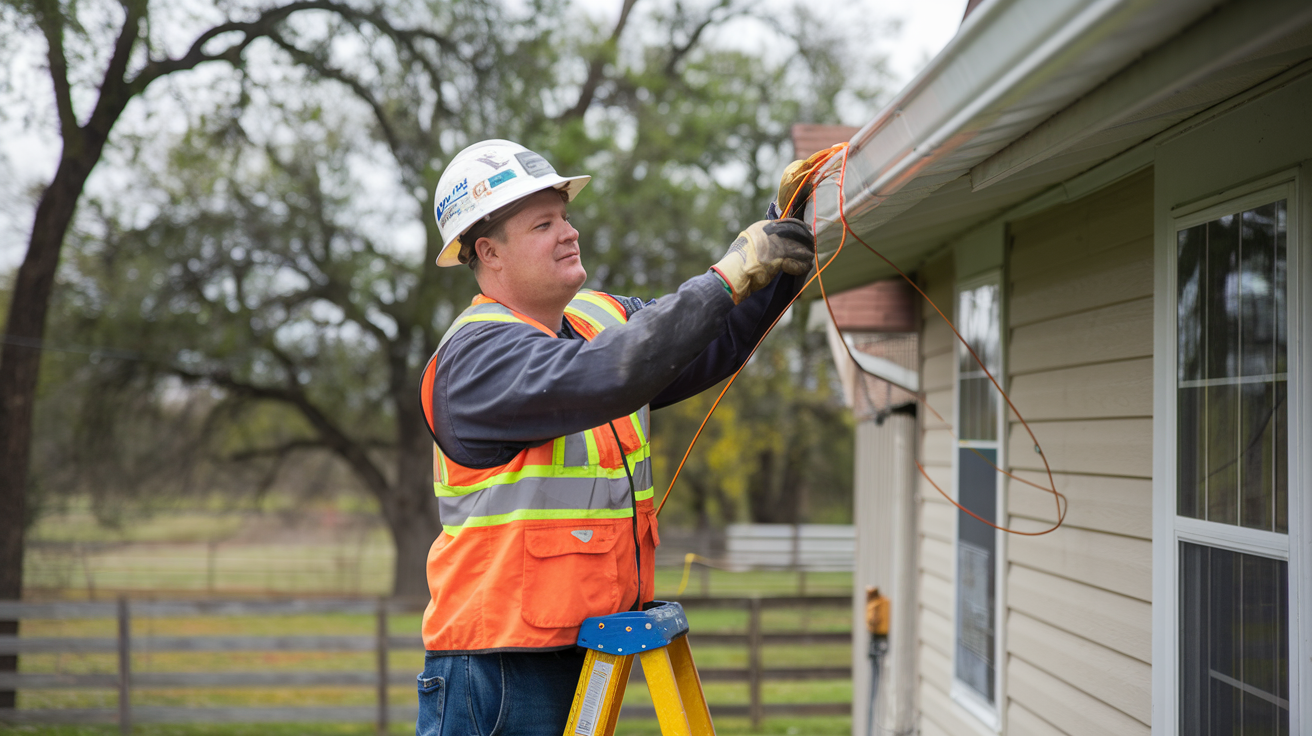
- Site Survey: They will assess your property to determine the best route for the fiber optic cable to enter your home and the optimal location for the Optical Network Terminal (ONT) and modem/router.
- Discuss Placement: They will discuss with you where you'd like the equipment installed. Common locations include a living room, home office, or utility closet. Ensure the location has access to a power outlet.
The Installation Steps
The physical installation process generally involves the following stages:
- Fiber Drop Installation:
- From the Street: The technician will run a thin fiber optic cable from the nearest Frontier network access point (often a pedestal on the street or a pole) to your home. This may involve trenching a small path or using existing conduit.
- Entry Point: A small hole (typically about the size of a dime) will be drilled through an exterior wall of your home to bring the fiber cable inside. The technician will seal this hole afterward to prevent water and pest entry.
- Interior Wiring:
- Routing: The fiber cable will be routed from the entry point to your chosen location for the equipment. Technicians use specialized tools and techniques to keep wiring neat and unobtrusive, often running it along baseboards or through attics/crawl spaces where feasible.
- ONT Installation: An Optical Network Terminal (ONT) is a small device that converts the light signals from the fiber optic cable into electrical signals that your network equipment can use. The ONT is typically mounted on a wall near where the fiber enters the house or near your desired router location.
- Equipment Setup:
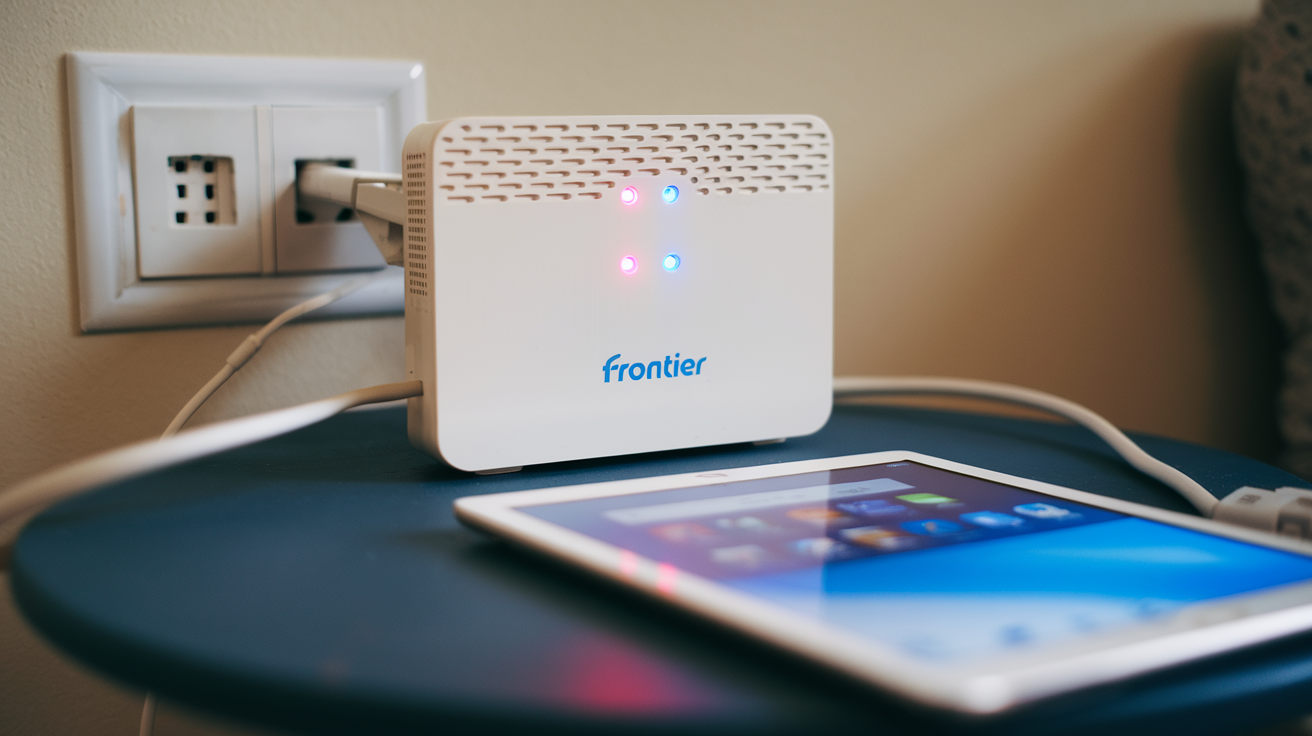
- Modem/Router: Frontier will provide a modem/router (often a single, integrated unit). This device connects to the ONT via an Ethernet cable and provides Wi-Fi connectivity throughout your home.
- Connection and Configuration: The technician will connect the modem/router to the ONT and configure it to establish your internet connection.
- Testing and Activation:
- Speed Test: The technician will perform speed tests to ensure you are receiving the speeds associated with your subscribed plan.
- Wi-Fi Check: They will verify that your Wi-Fi network is broadcasting and accessible.
- Demonstration: The technician may offer a brief demonstration of how to connect devices and troubleshoot basic Wi-Fi issues.
Post-Installation
Once the installation is complete and tested, the technician will clean up the work area, remove any tools and debris, and ensure you are satisfied with the service. They will also provide you with any necessary documentation or account information.
Key things to note about the installation:
- Duration: A typical fiber installation can take anywhere from 2 to 4 hours, depending on the complexity of the run and the technician's workload.
- Presence Required: An adult (18+) must be present for the entire duration of the installation.
- Access: Ensure the technician has access to both the exterior and interior of your home, including any areas where wiring needs to be run (attic, crawl space, basement).
- Equipment: Frontier provides the necessary ONT and modem/router. You do not need to purchase your own unless you wish to use a third-party router and put the Frontier-provided one in bridge mode.
- Potential for Digging: Be aware that some digging might be involved to run the fiber from the street to your home. Frontier aims to minimize disruption and restore the area afterward.
Frontier's commitment to a smooth installation process is a crucial part of their service offering, ensuring you can start enjoying high-speed fiber internet as quickly as possible.
Frontier Fiber vs. Competitors: What Sets Them Apart?
In the competitive landscape of internet service providers, Frontier Fiber distinguishes itself through its commitment to fiber-to-the-home (FTTH) technology and its aggressive expansion efforts. While many providers offer internet, the underlying technology and the quality of service can vary significantly. Understanding how Frontier Fiber stacks up against other major players is essential for making an informed decision.
Frontier Fiber's Unique Selling Propositions (USPs)
- 100% Fiber Network: Frontier is heavily invested in building and expanding its pure fiber optic network. This means that in areas where Frontier Fiber is available, you are getting the latest and greatest internet technology, offering symmetrical speeds, low latency, and high reliability. Many competitors still rely on hybrid networks (like Cable's HFC - Hybrid Fiber-Coaxial) which, while fast, don't always match the pure fiber experience, especially for uploads and latency.
- Symmetrical Speeds: As highlighted earlier, Frontier Fiber offers identical upload and download speeds. This is a significant advantage over many cable and DSL providers whose upload speeds are a mere fraction of their download speeds. For remote workers, content creators, and avid gamers, this is a critical differentiator.
- Focus on Expansion: Frontier has made significant investments in expanding its fiber footprint, particularly in recent years. This means that even in areas previously underserved by high-speed internet, Frontier is actively bringing fiber optic capabilities, often competing directly with incumbent providers.
- Customer Service Focus (Increasingly): While historically customer service can be a point of contention for many ISPs, Frontier has been making efforts to improve its customer experience, especially with its fiber offerings. This includes dedicated support for fiber customers and efforts to streamline the installation and support processes.
Comparison with Major Competitors
1. Xfinity (Comcast)
- Technology: Primarily uses HFC (Hybrid Fiber-Coaxial) cable internet.
- Speeds: Offers very high download speeds, often exceeding Frontier's top tiers in some areas. Upload speeds are typically much lower than download speeds.
- Availability: Extensive coverage across many urban and suburban areas.
- Pricing: Can be competitive, especially with introductory offers, but standard rates can be high. Often requires contracts.
- Frontier Advantage: Frontier Fiber offers superior symmetrical upload speeds and generally lower latency, making it better for demanding upload tasks and real-time applications. Frontier's pure fiber is also often seen as more future-proof.
2. Spectrum (Charter Communications)
- Technology: Also primarily uses HFC cable internet.
- Speeds: Offers a range of high download speeds. Upload speeds are significantly slower than download speeds.
- Availability: Widespread coverage, particularly in areas where Time Warner Cable previously operated.
- Pricing: Similar to Xfinity, with competitive intro offers but higher standard rates. Contracts are common.
- Frontier Advantage: Again, Frontier Fiber's symmetrical speeds and lower latency are key advantages. Frontier's pure fiber infrastructure is a technological step up.
3. AT&T Fiber
- Technology: Pure Fiber-to-the-Home (FTTH).
- Speeds: Offers a similar range of speeds to Frontier, including multi-gigabit options. Symmetrical speeds are standard.
- Availability: Growing rapidly, particularly in areas where AT&T has a strong presence.
- Pricing: Often comparable to Frontier Fiber, with competitive introductory rates.
- Frontier Advantage: This is Frontier's closest competitor in terms of technology. The choice between Frontier and AT&T Fiber often comes down to specific availability at your address, exact pricing, promotional offers, and customer service reviews in your local area. Both offer excellent fiber experiences.
4. Verizon Fios
- Technology: Pure Fiber-to-the-Home (FTTH).
- Speeds: Known for offering high symmetrical speeds, including multi-gigabit plans.
- Availability: Primarily concentrated in the Northeast and Mid-Atlantic regions of the US.
- Pricing: Can be premium but often includes bundles with TV and phone.
- Frontier Advantage: Similar to AT&T, Verizon Fios is a direct fiber competitor. Frontier's advantage lies in its expanding footprint beyond traditional Fios areas. The choice again depends on local availability and specific plan details.
5. CenturyLink (Lumen Technologies) / Other DSL Providers
- Technology: Primarily DSL (Digital Subscriber Line), which uses existing phone lines. Some areas may have fiber upgrades, but DSL is the legacy technology.
- Speeds: Significantly lower than fiber or cable, especially for download speeds. Upload speeds are very limited.
- Availability: Widespread, especially in rural and less densely populated areas.
- Pricing: Can be cheaper but offers vastly inferior performance.
- Frontier Advantage: Frontier Fiber is exponentially faster, more reliable, and offers a far superior experience compared to DSL. Frontier also offers DSL in some areas where fiber isn't yet available, but the fiber product is in a different league.
Key Differentiators for Frontier Fiber in 2025-26
- Aggressive Build-Out: Frontier's ongoing investment in fiber infrastructure means they are actively entering new markets and upgrading existing ones, providing competition where it might have been lacking.
- Symmetrical Speed Commitment: This remains a core strength, directly addressing the growing need for robust upload capabilities.
- No Data Caps: Unlike some cable providers who may implement data caps or throttling, Frontier Fiber typically offers unlimited data, which is crucial for modern internet usage.
Ultimately, while Frontier Fiber competes with major players like Xfinity and Spectrum, its pure fiber technology positions it as a direct and often superior alternative to AT&T Fiber and Verizon Fios. The best provider for you will depend on local availability, specific plan offerings, and your individual internet usage needs.
Troubleshooting Availability Issues and Alternatives
It can be frustrating to discover that Frontier Fiber isn't available at your address, especially after learning about its benefits. However, there are several reasons why this might be the case, and often there are still viable alternatives or future possibilities to consider. This section aims to help you navigate these situations.
Common Reasons for Frontier Fiber Unavailability
- Network Build-Out Stage: Frontier's fiber network is still expanding. Your area might be in a phase of planning or construction but not yet connected.
- Geographic Limitations: Some areas, particularly very rural or geographically challenging locations, may be more expensive or complex to service with fiber.
- Building Type/Ownership: In apartment buildings or multi-unit dwellings, service availability can depend on agreements between Frontier and the building owner or management company.
- Existing Provider Agreements: Sometimes, exclusive agreements with other providers in a specific building or community can limit options.
- Technical Feasibility: While rare for fiber, there could be specific technical constraints at your address that make a direct fiber connection currently unfeasible.
What to Do If Frontier Fiber Isn't Available
1. Sign Up for Availability Notifications
Most ISPs, including Frontier, offer a way to be notified when service becomes available in your area. This is often done through an email alert system on their website.
Action: Visit the Frontier website, enter your address, and look for an option to "Be Notified" or "Sign Up for Updates" if fiber is not yet available.
2. Check for Other Frontier Services
Even if Frontier Fiber isn't an option, Frontier may still offer other types of internet service at your address, such as DSL. While DSL is significantly slower than fiber, it might be a more reliable or faster option than other DSL providers in your area.
Action: Use the Frontier availability checker to see if DSL or any other Frontier services are offered.
3. Explore Other High-Speed Internet Providers
Your primary goal is fast, reliable internet. If Frontier Fiber isn't an option, focus on other providers that offer comparable technology in your area:
- Cable Internet: Providers like Xfinity and Spectrum offer high download speeds via cable. While upload speeds are limited, they can be sufficient for many households.
- Other Fiber Providers: Check if AT&T Fiber, Verizon Fios (if applicable to your region), or other local fiber companies offer service at your address. These are your best alternatives for a true fiber experience.
- Fixed Wireless or 5G Home Internet: In some areas, especially rural ones, fixed wireless or 5G home internet services can offer decent speeds as an alternative to DSL. Companies like T-Mobile Home Internet or Verizon 5G Home Internet are examples.
Action: Use comparison websites or directly check the websites of major ISPs and local providers for availability at your address.
4. Consider Satellite Internet (as a Last Resort)
Satellite internet (e.g., HughesNet, Viasat) is available almost anywhere with a clear view of the sky. However, it typically comes with:
- Higher latency
- Lower speeds compared to other options
- Data caps and potential throttling
- Higher costs for comparable data allowances
Satellite should generally be considered only if no other terrestrial broadband options are available.
5. Advocate for Better Internet
If your area is significantly underserved, consider joining or forming local groups advocating for better broadband infrastructure. Sometimes, community pressure can encourage providers to expand their networks or attract new providers.
6. Check for Future Expansion Plans
Keep an eye on local news, government broadband initiatives, and Frontier's own press releases. Providers often announce future expansion plans, which might include your neighborhood.
Making the Best Choice Among Alternatives
When evaluating alternatives to Frontier Fiber, prioritize based on these factors:
- Technology: Fiber > Cable > Fixed Wireless/5G Home > DSL > Satellite.
- Speeds: Look for the highest symmetrical speeds you can get.
- Reliability: Fiber and cable are generally more reliable than wireless or satellite.
- Pricing: Compare monthly costs, including equipment rental and installation fees, and understand the price after promotional periods.
- Data Caps: Opt for unlimited data if possible.
While the absence of Frontier Fiber might be disappointing, the growing availability of high-speed internet options means there's likely a suitable alternative. Persistence in checking availability and exploring all providers is key.
Conclusion
Determining if Frontier Fiber is in your area is the essential first step toward unlocking a superior internet experience. By utilizing Frontier's online availability checker and understanding the nuances of fiber optic technology, you can confidently assess your options. Frontier Fiber offers unparalleled symmetrical speeds, exceptional reliability, and low latency, making it an ideal choice for everything from remote work and online gaming to seamless 4K streaming and smart home connectivity. While pricing and plan details vary, the investment in fiber technology promises a future-proof solution that will continue to meet evolving digital demands. If Frontier Fiber isn't yet available, don't despair; explore alternative providers, sign up for availability notifications, and advocate for expanded broadband infrastructure in your community. Your journey to faster, more reliable internet is within reach.